

Every new experience teaches us something, and my internship at Valentius Kryptix has been a great opportunity to explore Android app development and improve my technical skills. As part of the Android Basics track, I worked on a project that helped me understand how Android applications are structured and how different components work together.
My Internship Task
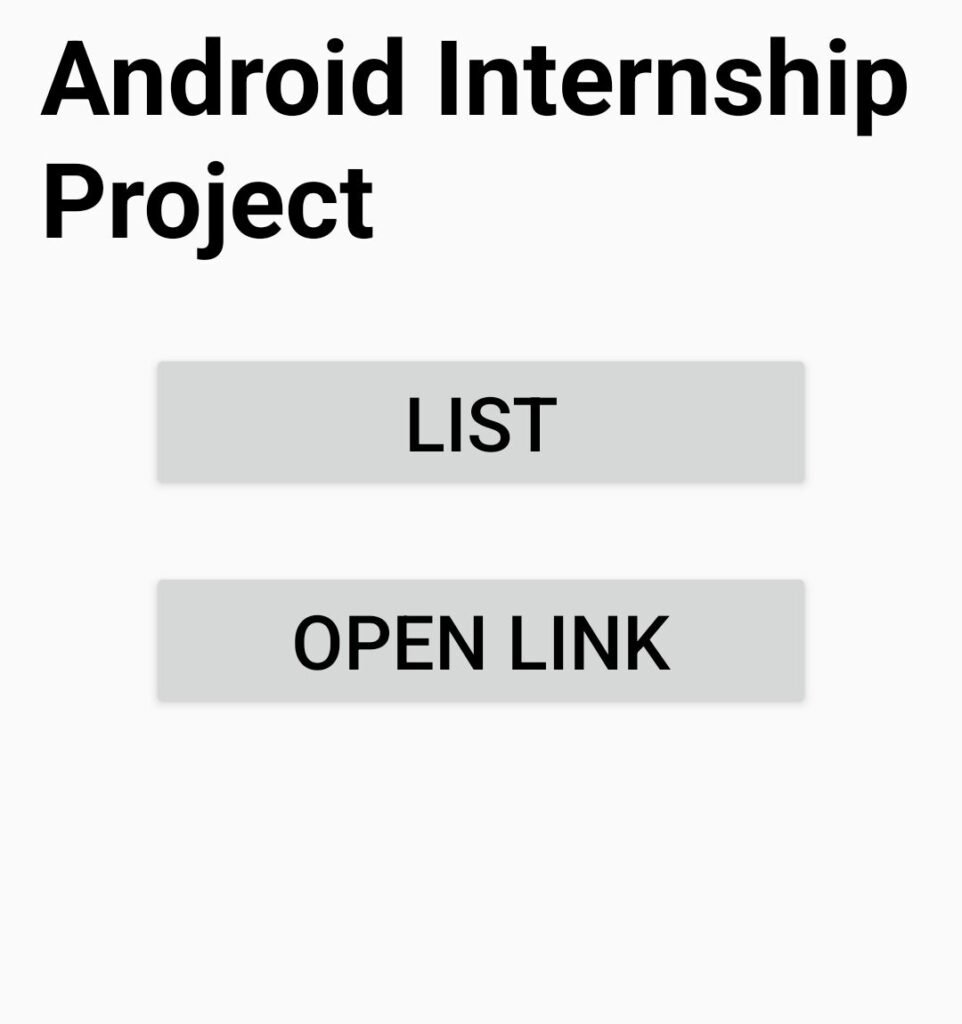
During my internship, I was assigned a task to develop a native Android application with three separate Activities connected using Intents, along with a list screen implemented using RecyclerView. This application serves as a foundation project that can be extended with more features throughout the Android development track.
At first, the task seemed a little challenging because I was still learning the concepts of Android development. However, I decided to approach it step by step and focus on understanding how each component works.
Learning by Doing
To complete this task, I took help from YouTube tutorials and followed the development process carefully. Whenever I faced difficulties or got confused about a particular concept, I revisited the tutorials and tried to understand the solution before applying it to my project.
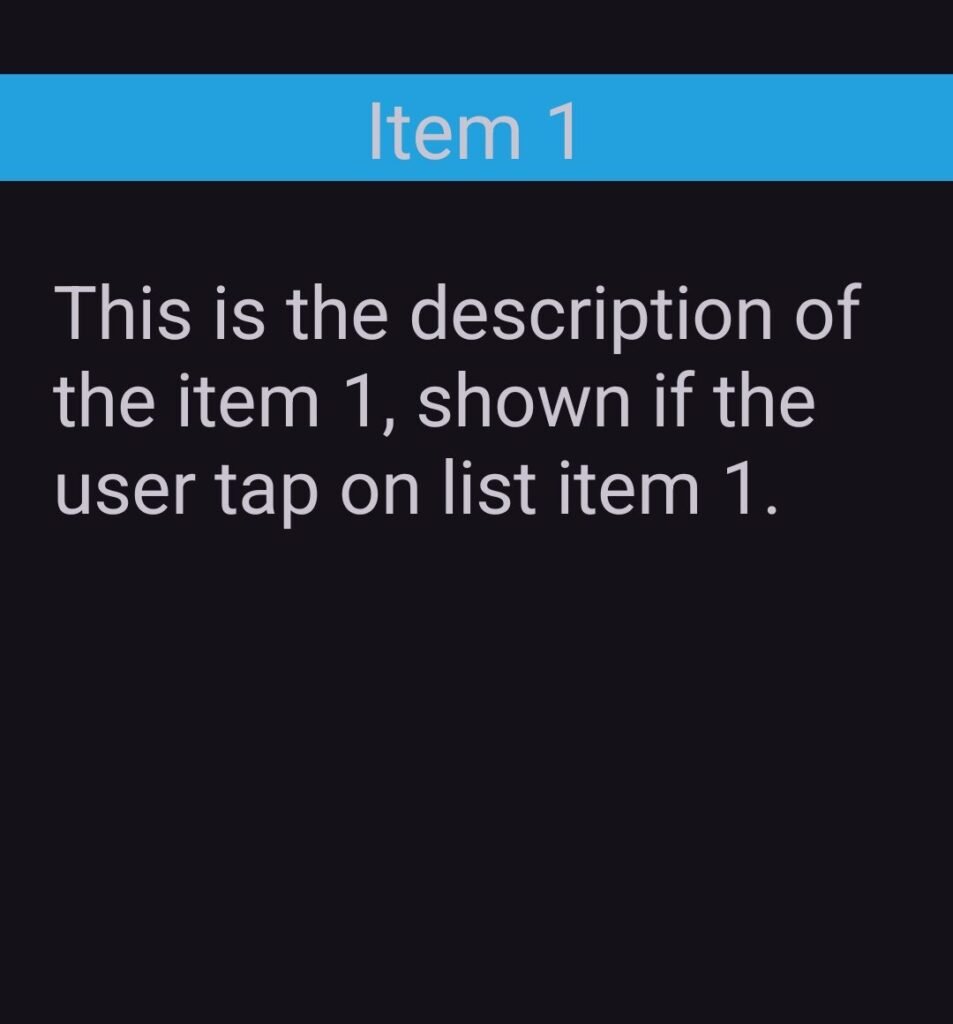
One of the important things I learned was how Activities work in Android. I understood how separate screens can be created to perform different functions within an application. I also learned about Intents, which allow us to navigate between Activities and pass information when required.
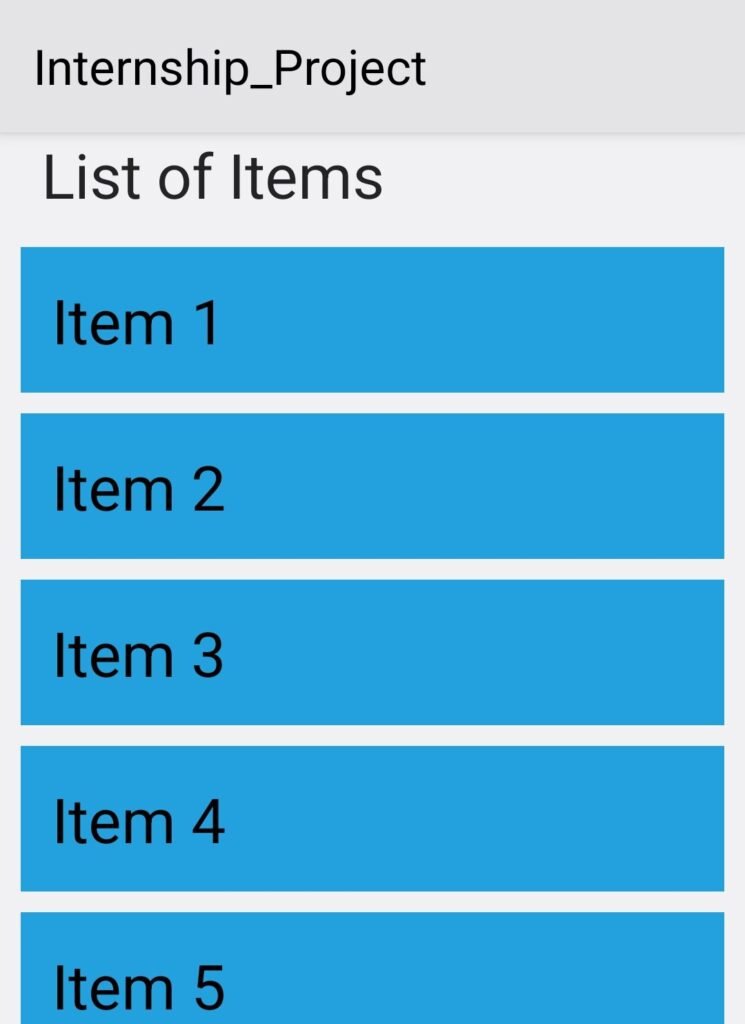
Another important part of my project was implementing RecyclerView. It helped me understand how to display a list of items efficiently in an Android application. Learning how to connect the list with the necessary data and display it on the screen was an interesting part of the development process.
Although I used YouTube tutorials as a learning resource, I made sure to follow the steps, understand the concepts, and apply them to complete my assigned task.
Challenges and Achievements
Like any new learning experience, this project came with a few challenges. Understanding how different Activities communicate with each other and implementing RecyclerView correctly required patience and practice.
Instead of giving up when something did not work as expected, I referred to tutorials, checked my implementation, and worked through the problems one by one.
Finally, I successfully completed the assigned task. Seeing the application working as expected was a satisfying moment because it showed me how the concepts I had been learning could be used to build a real Android application.
What’s Next?
This project has given me a better understanding of the basics of native Android development. I have learned that building an application is not just about writing code; it is also about understanding the logic, solving problems, and continuously learning new things.
I am grateful to Valentius Kryptix for providing me with this learning opportunity. I look forward to building on these fundamentals, exploring more Android development concepts, and working on more projects in the future.
One step at a time, one project at a time!
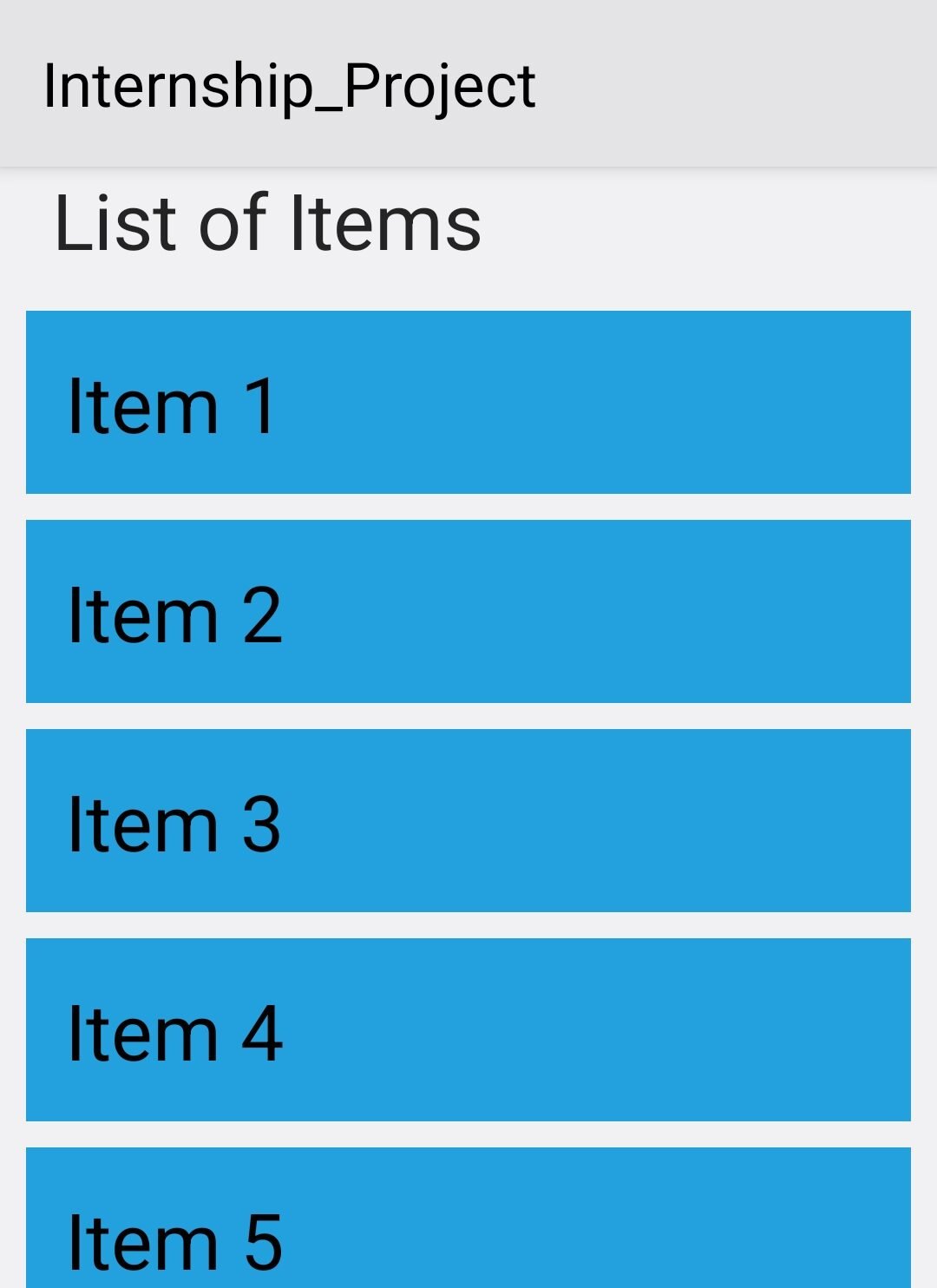
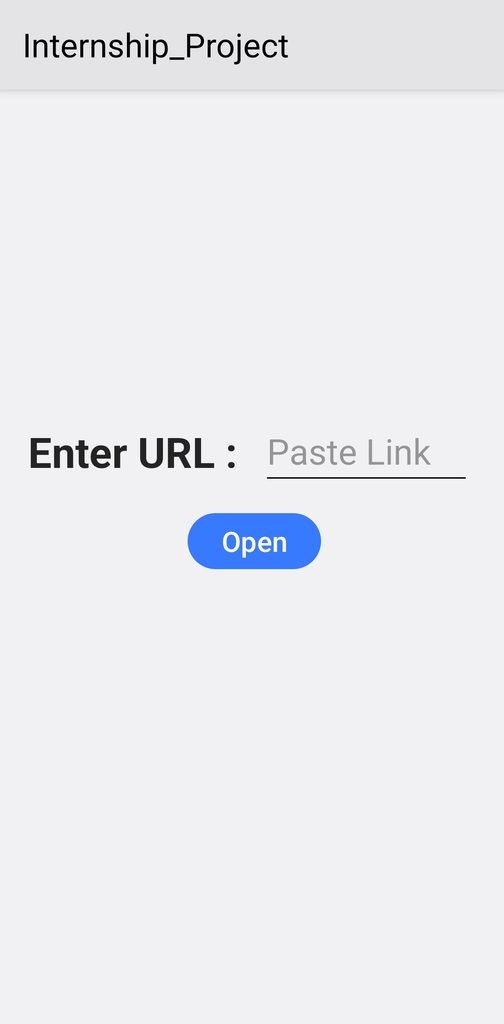
Below are some screenshots of my completed Android application.

Leave a Reply
You must be logged in to post a comment.