



Introduction
Artificial Intelligence is transforming the way people interact with technology. From answering questions and explaining complex concepts to assisting with everyday tasks, Large Language Models (LLMs) are making intelligent applications more accessible than ever.
However, building an AI-powered application involves more than simply connecting a chatbot interface to an AI model. It requires a well-structured backend, secure API communication, effective prompt design, conversation context management, and proper error handling.
As part of my ongoing development work, I explored these concepts through Ajjiba AI, a student-focused AI assistant designed to help learners understand concepts, think clearly, and become more productive.
The primary objective was to integrate Google’s Gemini API into a web application and establish a reliable foundation for intelligent, multi-turn conversations.
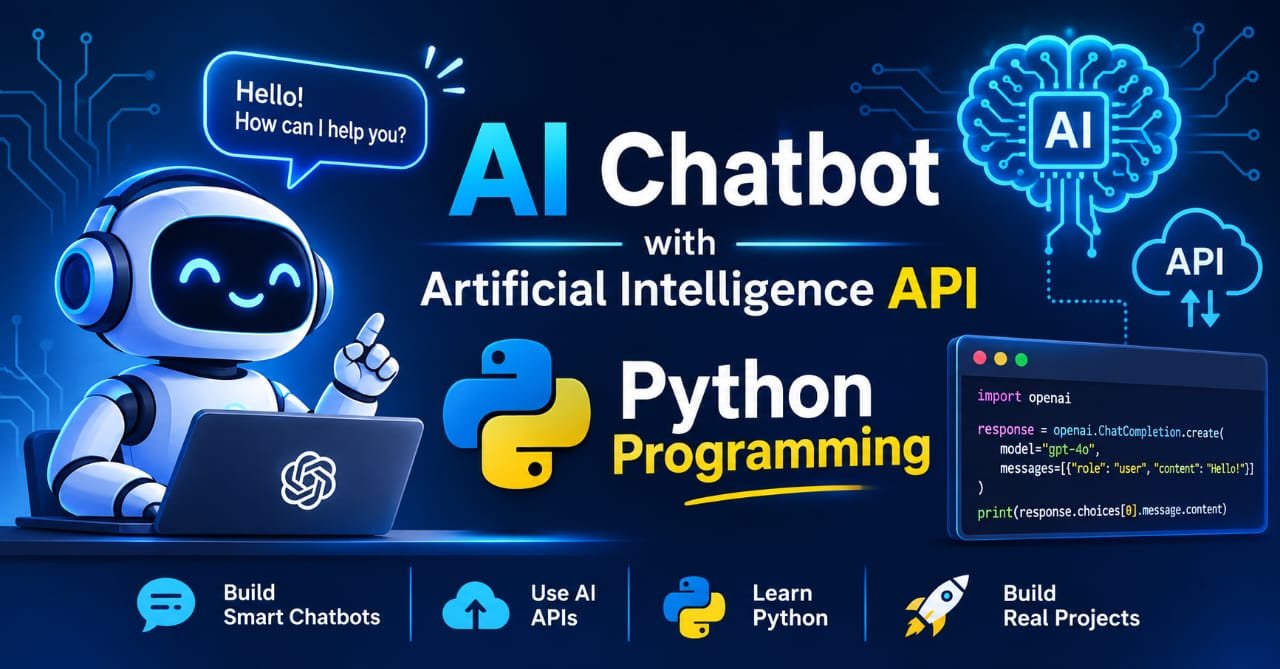
Understanding LLM API Integration
A Large Language Model API allows an application to communicate with an AI model through structured requests and responses.
Instead of developing and hosting an AI model independently, developers can use an existing model through an API. The application sends a prompt or conversation history to the model, which processes the input and returns a generated response.
For this project, I used Google Gemini as the underlying AI model.
The integration involved connecting the frontend chat interface to a backend API endpoint, securely communicating with Gemini, processing its response, and displaying the generated answer to the user.
Technology Stack
The project uses the following technologies:
- Next.js: Provides the application framework and backend API route functionality.
- React: Handles the interactive chat interface and user interactions.
- JavaScript: Used for application logic and API communication.
- Google Gemini API: Powers the AI-generated responses.
- Google GenAI SDK: Enables communication between the backend application and Gemini.
- Vercel: Hosts the application and supports production deployment.
- Git and GitHub: Used for version control and project management.
This combination provides a practical foundation for developing and deploying an AI-powered web application.
System Architecture and Working
The integration follows a simple client-server architecture.
The overall request-response flow works as follows:
1. User Input
The user enters a question or message through the Ajjiba AI chat interface.
2. Frontend API Request
The React frontend sends the message and relevant conversation history to the application’s backend API.
3. Backend Processing
The Next.js API route receives the request, validates the incoming data, prepares the conversation context, and constructs the request for the Gemini model.
4. Gemini API Communication
The backend communicates with Google Gemini using the official Google GenAI SDK. The model processes the input and generates an appropriate response.
5. Response Handling
The backend receives the generated response and returns it to the frontend.
6. Displaying the Answer
The frontend displays the response in the chat interface, allowing the user to continue the conversation.
This separation between frontend and backend keeps the application organised and ensures that communication with the AI service takes place on the server side.
Important Implementation Details
1. Secure API Key Management
One of the most important aspects of API integration is protecting sensitive credentials.
The Gemini API key is stored in environment variables rather than being directly written into the application code.
The project uses a .env.local file during local development. This prevents the API key from being exposed in frontend code or accidentally committed to the public GitHub repository.
For production deployment, the required environment variables are configured through Vercel.
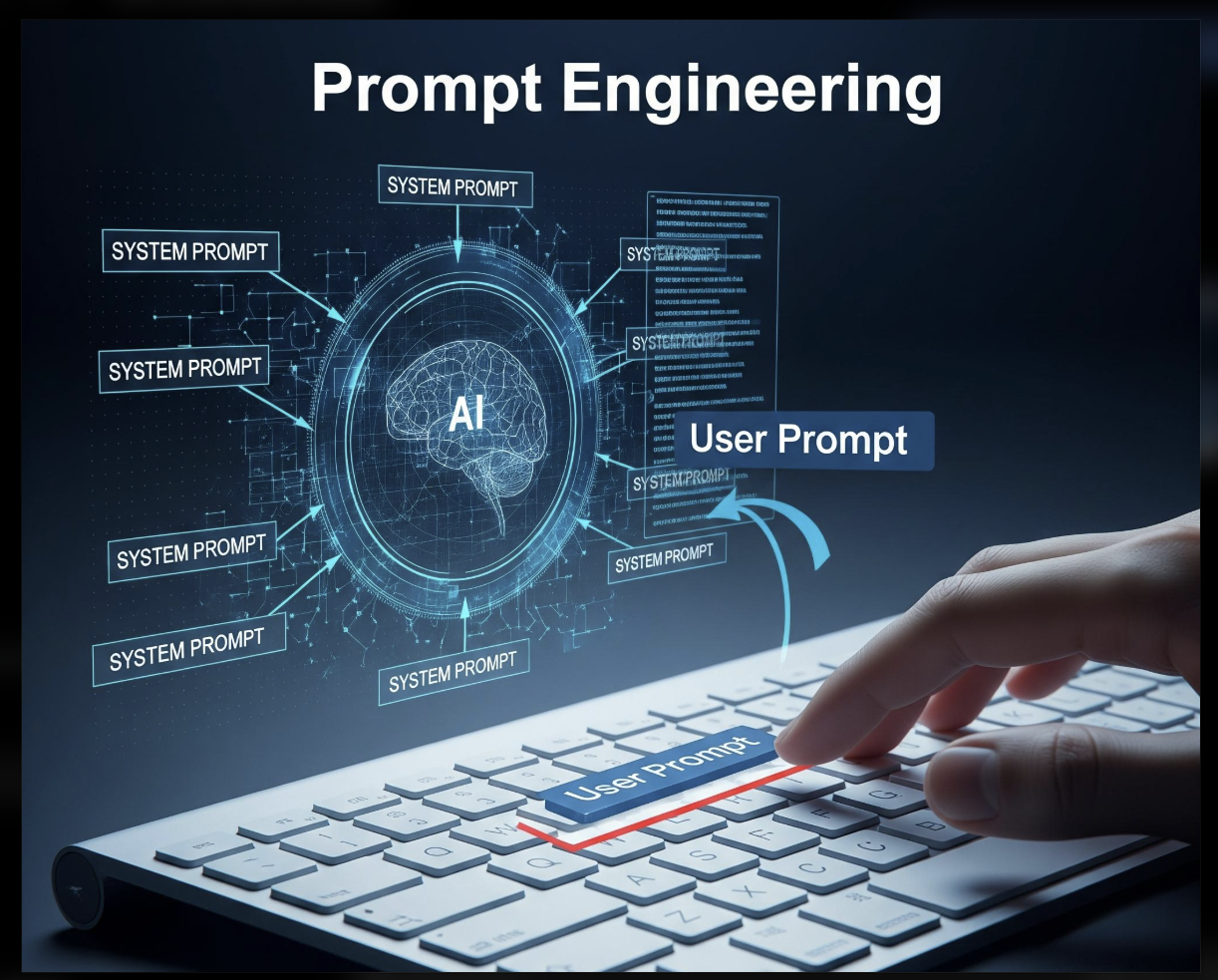
2. System Instructions and AI Behaviour
An AI assistant needs more than a user message to produce consistent and useful responses.
I introduced system-level instructions to define Ajjiba’s identity, communication style, and behaviour.
Ajjiba is designed to communicate in a warm, patient, respectful, and encouraging manner. Since the application is intended primarily for students, the instructions also encourage clear explanations and accessible language.
This helps establish a consistent personality across conversations.
3. Conversation Context Management
A useful AI assistant should understand more than just the latest message.
For example, if a user asks a follow-up question, the model should be able to refer to relevant information from the earlier conversation.
To support this, the application sends recent conversation history along with the latest user message.
The backend also limits the amount of conversation history included in each request. This helps keep requests manageable while preserving useful context.
4. Date and Time Awareness
Another important improvement was providing the AI model with current date and time information.
The application obtains the user’s timezone and supplies the corresponding date and time context to the backend.
This helps Ajjiba respond more appropriately to time-dependent questions instead of relying entirely on information learned during model training.
5. API Validation and Error Handling
Reliable API integration requires handling unexpected inputs and failures.
The backend includes validation for incoming messages, supported message roles, message length, conversation history limits, and required configuration.
It also handles API failures and returns an appropriate error response rather than leaving the application without a controlled response.
These measures provide a more structured foundation for future improvements.
Challenges and Learnings
Working on LLM API integration highlighted several important concepts.
First, connecting an AI model to an application is only one part of the development process. The surrounding architecture is equally important.
Second, managing conversation history requires careful consideration. Sending too much information can increase request size, while sending too little can affect the relevance of follow-up responses.
Third, API credentials must always remain on the server side. Proper environment variable management is essential when developing applications that use external AI services.
Finally, designing the system instructions made it clear that an AI assistant’s usefulness depends not only on the model itself but also on how the application guides its behaviour.
This project provided practical experience with API communication, backend development, prompt engineering, environment configuration, and deployment workflows.
Future Improvements
The current implementation establishes the foundation for further development.
Some of the planned improvements include:
- More advanced conversation context management.
- Stronger API validation and error handling.
- Tool-calling capabilities for extending the assistant’s functionality.
- Web search integration for accessing current information.
- Document understanding and summarisation.
- Personalised learning assistance and productivity features.
These improvements will gradually expand Ajjiba into a more capable learning and productivity companion.
Conclusion
LLM API integration is an important step in building practical AI-powered applications. It connects the capabilities of modern language models with real-world software systems.
Through Ajjiba AI, I gained hands-on experience integrating Google’s Gemini API into a Next.js application, managing conversation context, securing API credentials, designing system instructions, and handling backend requests and responses.
More importantly, this work helped me understand how individual components come together to create a functional AI application.
The project is still evolving, and this integration serves as a foundation for the features planned in future development stages.
The goal is simple: make AI more accessible, useful, and meaningful for students.
Ajjiba AI — Wisdom in every conversation.

Leave a Reply
You must be logged in to post a comment.