
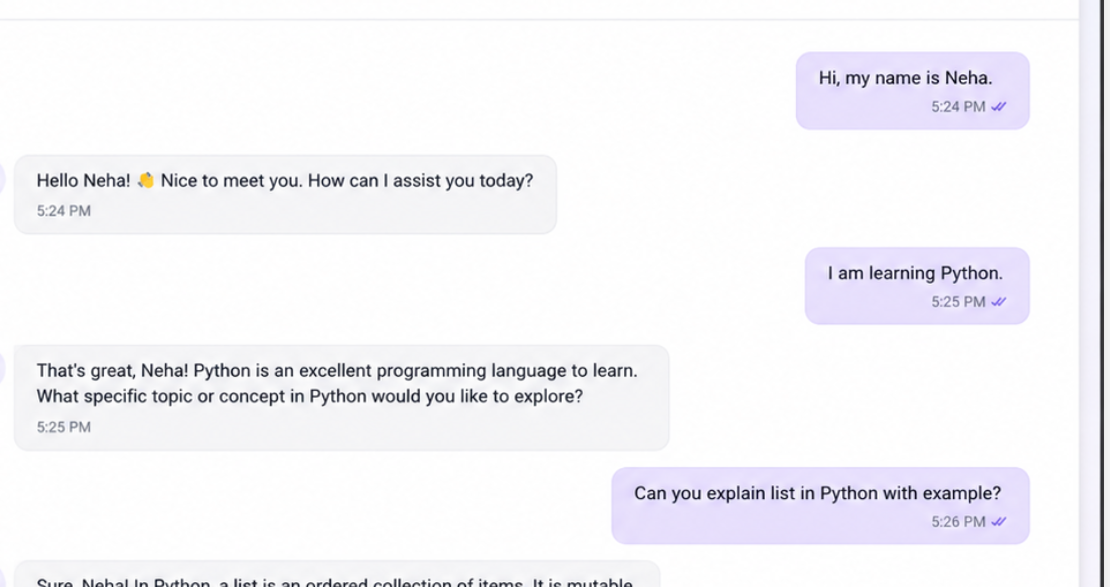

For my latest task at Valentius Kryptix, I had to build something I hadn’t really built before a chatbot that uses a real LLM API and actually remembers the conversation, instead of forgetting everything after one reply.
I chose (open AI or Gemini) for this since it has good docs and a free tier that’s enough for testing.
Before writing any code, I actually read through the task requirements a couple of times, because there were a few things buried in there that were easy to miss on a first read like the part about the model needing to reference something said 2-3 messages earlier, or the part about API keys never being committed to git. So I made a small checklist for myself out of the requirements before starting, which honestly saved me from missing something later.
Tools I Used
I went with (python ) for this since it’s what I’m most comfortable with, and the SDK for it is well documented. I didn’t use any heavy framework, just the official SDK, .env for loading environment variables, and a simple small frontend that actually to talk to the bot. I kept the stack minimal on purpose, since the task was really about the logic (memory, context handling, errors) and not about building something with a fancy UI.
Getting Started
The first thing I did was get an API key and store it in an environment variable, not hardcoded anywhere in the code. This was one of the requirements, and honestly it’s just good practice anyway you never want to accidentally push your key to GitHub.
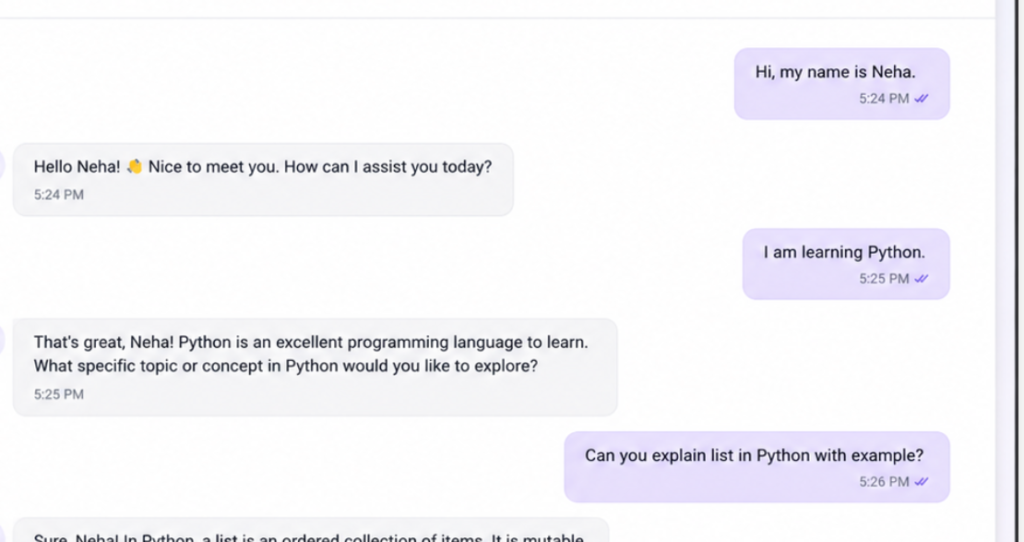
Once that was done, I wrote a very small script that just sends one message to the API and prints the reply. Nothing fancy, just to check that the connection was actually working before building anything on top of it. Once the basic connection worked, the real task started: making the bot remember earlier messages. By default, every request to an LLM API is independent. If you send a message and then send another one, the model has no idea what you said before unless you send that history again yourself. So I stored the conversation as a list of messages and sent the full list with every new request. That way, the model can see what was said earlier and reply in a way that makes sense with the context.
Giving the Bot a Personality
By default, the model just replies like a generic assistant. So I wrote a system prompt that gives it more of a defined role basically telling it who it is and how it should behave, instead of using the raw default behaviour. This made the replies feel a lot more consistent.
What I’d Improve Next
If I had more time, I’d try:
Better error messages depending on the type of failure (rate limit vs network issue vs invalid response), instead of one generic message for everything
Replacing simple truncation with actual summarization, so older parts of the conversation aren’t just dropped but compressed into a short summary
Adding some kind of persistent storage (right now the history resets if the process restarts)

Leave a Reply
You must be logged in to post a comment.