
Introduction
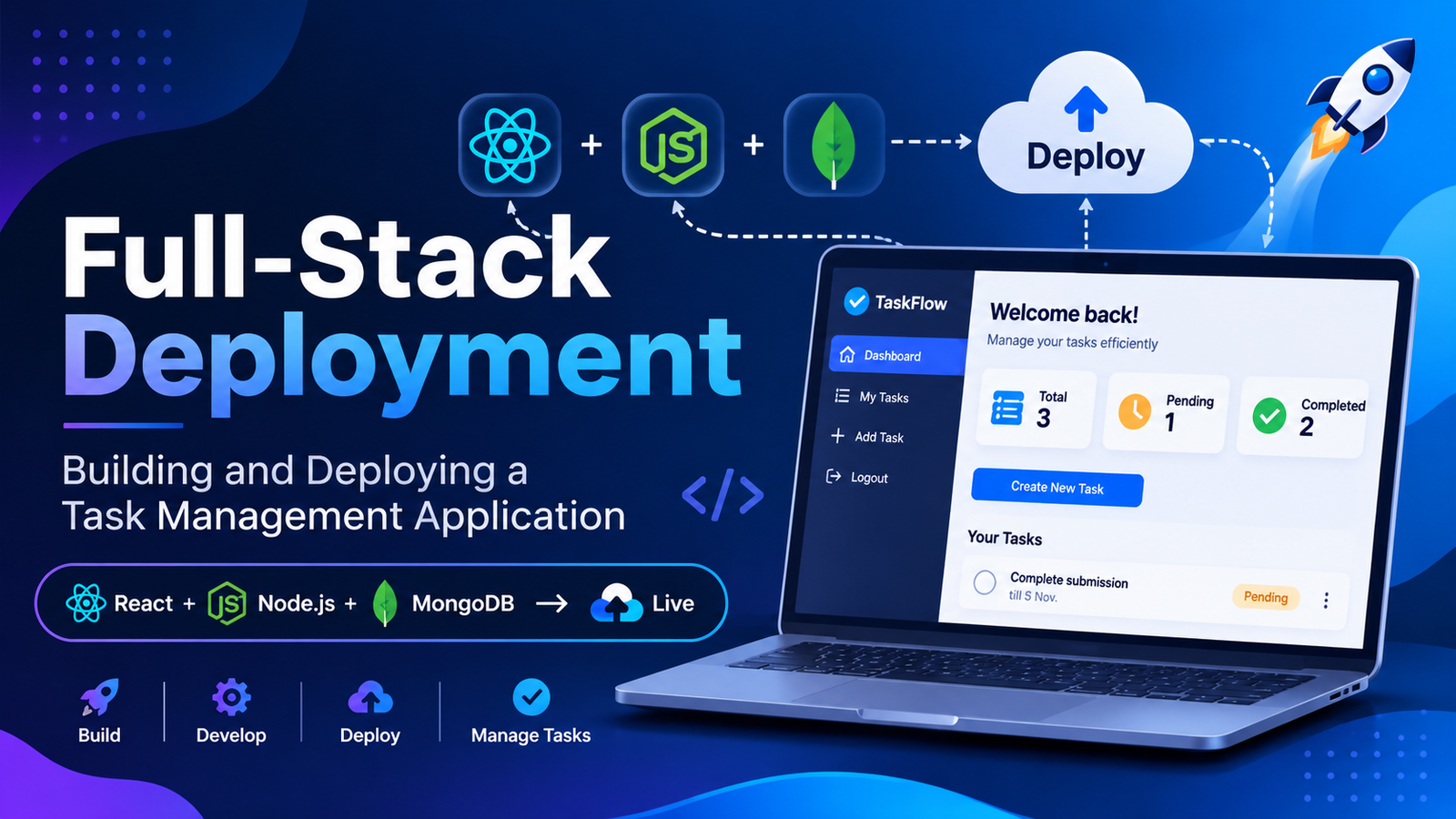
Full-stack development is the process of building both the frontend and backend of a web application. It involves designing user interfaces, developing server-side functionality, managing databases, and deploying applications so users can access them online.
As part of my Full-Stack Web Development internship at Valentius Kryptix, I worked on a Task Management Application. The main objective of this project was to develop and deploy a web application where users can register, log in, and manage their daily tasks.
This project helped me understand the complete development lifecycle, from frontend and backend development to database integration and production deployment.
Technologies Used
The following technologies were used to develop the application:
- React.js: Used to build the interactive frontend.
- Node.js: Used as the JavaScript runtime for backend development.
- Express.js: Used to create RESTful APIs and handle HTTP requests.
- MongoDB Atlas: Used as a cloud-based database to store user and task information.
- JWT (JSON Web Token): Used for user authentication and protected routes.
- Vercel: Used to deploy the frontend application.
- Render: Used for backend hosting.
Frontend Development
The frontend of the Task Management Application was developed using React.js. The main purpose of the frontend was to provide a simple and user-friendly interface.
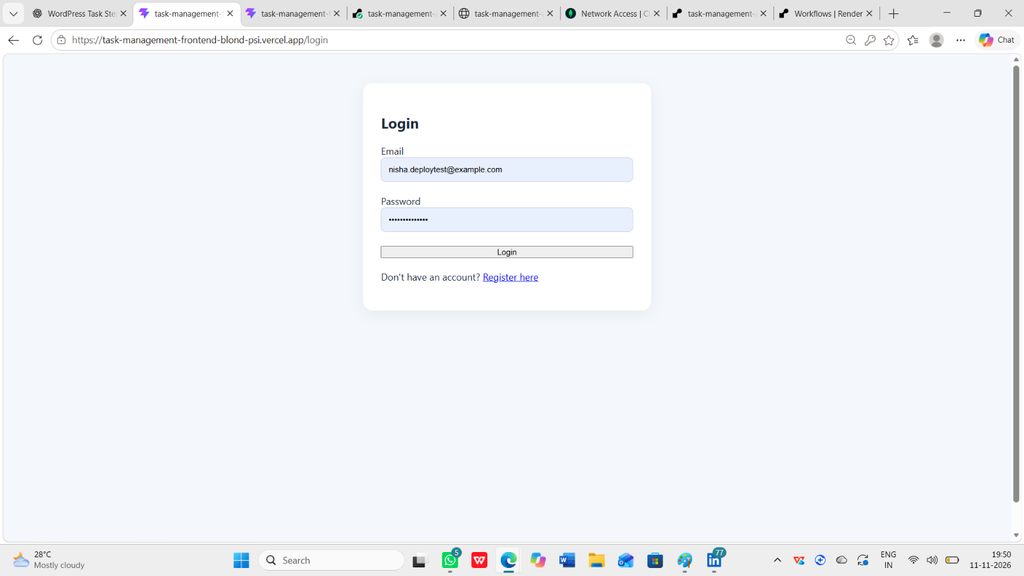
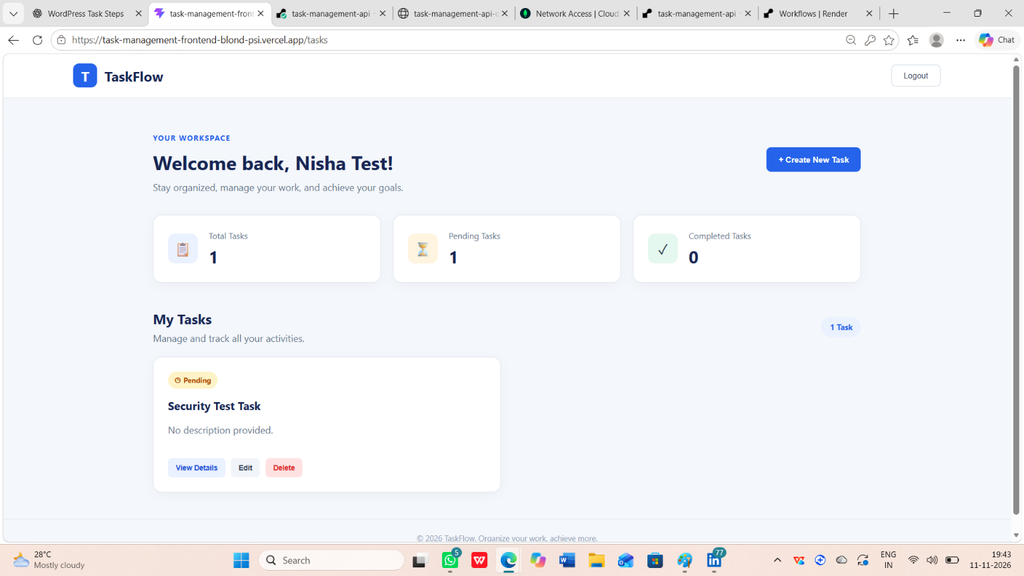
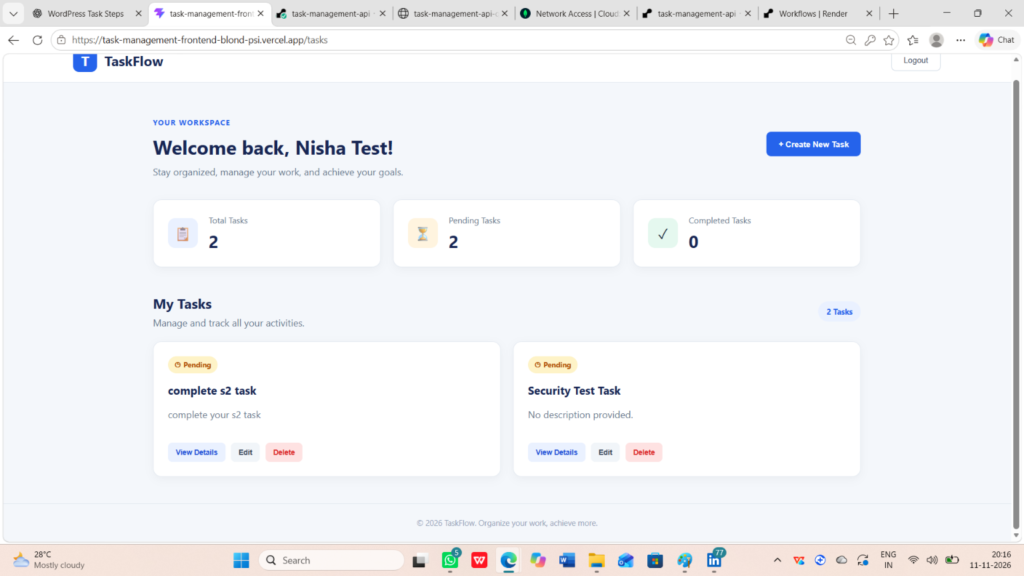
The application includes a registration page, login page, and task dashboard. After successful login, users can access their dashboard and manage their tasks.
React components and state management were used to handle user interactions and update the interface dynamically.
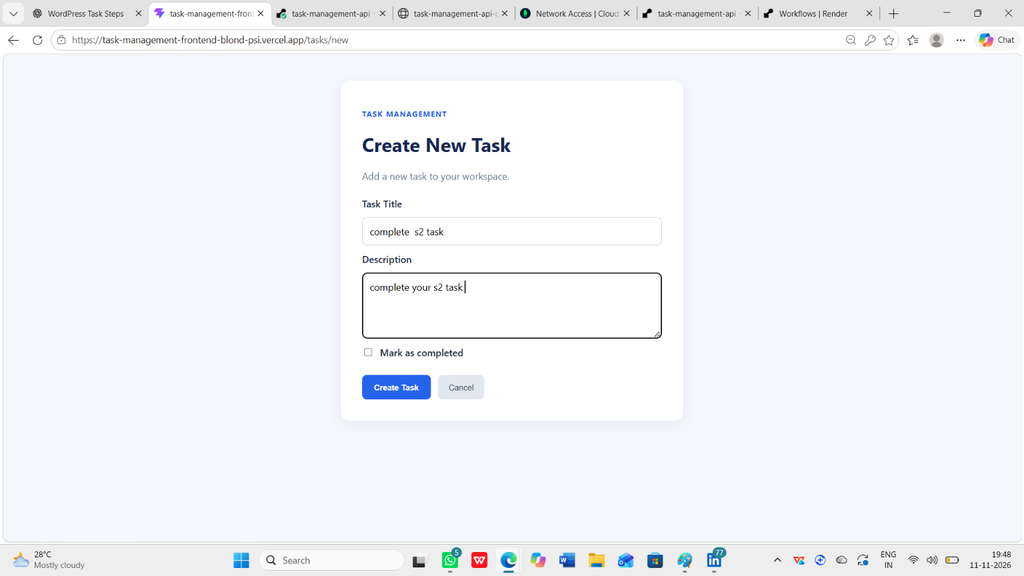
The dashboard provides features such as creating new tasks, viewing existing tasks, updating task details, and deleting tasks.
Backend Development
The backend was developed using Node.js and Express.js. It handles application logic and communicates with the MongoDB database.
REST APIs were created to perform different operations, including:
- User registration
- User login
- Creating tasks
- Retrieving tasks
- Updating tasks
- Deleting tasks
The backend receives requests from the frontend, processes them, and returns appropriate responses.
Database Integration
MongoDB Atlas was used to store application data in the cloud.
The application contains two main collections:
- Users: Stores user registration and authentication information.
- Tasks: Stores task details associated with users.
Using MongoDB helped me understand how to connect a backend application with a cloud database and manage application data efficiently.
Authentication and Security
User authentication is an important part of a full-stack application.
I implemented authentication using JSON Web Tokens (JWT). When a user logs in successfully, the backend generates an authentication token.
The frontend stores the token and sends it with requests to protected API endpoints. The backend verifies the token before allowing access to protected operations.
This helps ensure that users can access and manage their own authorized resources.
Task Management Features
The application provides the following main features:
- User Registration: New users can create an account.
- User Login: Registered users can securely log in.
- Create Task: Users can add new tasks with titles and descriptions.
- View Tasks: Users can view their created tasks.
- Update Task: Users can modify existing task information.
- Delete Task: Users can remove tasks that are no longer required.
These features demonstrate the basic CRUD operations: Create, Read, Update, and Delete.
Deployment Process
Deployment is an important stage of full-stack development because it makes an application available to users through the internet.
For this project, the frontend was deployed using Vercel, while the backend was hosted using Render.
MongoDB Atlas was configured as the cloud database.
During deployment, environment variables and database connection settings were configured to connect the frontend, backend, and database.
After deployment, the application was tested to check whether registration, login, and task management operations were working correctly.
Challenges Faced During Development
While developing this project, I faced several challenges.
Some of the challenges included configuring the database connection, implementing JWT authentication, connecting frontend API requests with backend routes, and resolving deployment-related issues.
I also worked on fixing frontend routing and deployment configuration issues to ensure that application pages worked correctly after deployment.
Solving these problems improved my debugging skills and helped me understand how different parts of a full-stack application communicate with each other.
Learning Outcomes
This project provided valuable practical experience in full-stack web development.
I learned how to:
- Develop responsive user interfaces using React.js.
- Build backend applications using Node.js and Express.js.
- Create and integrate REST APIs.
- Connect applications with MongoDB Atlas.
- Implement JWT-based authentication.
- Perform CRUD operations.
- Deploy frontend and backend applications.
- Identify and resolve development and deployment issues.
It also helped me improve my problem-solving skills, technical knowledge, and confidence in working on real-world projects.
Conclusion
The Task Management Application was a valuable learning experience during my Full-Stack Web Development internship at Valentius Kryptix.
Through this project, I gained practical knowledge of frontend development, backend development, database integration, authentication, and production deployment.
I am grateful for the opportunity to apply my technical skills, explore new technologies, and gain hands-on experience through this internship.
This project has motivated me to continue learning and building more real-world applications in the field of Full-Stack Web Development.

Leave a Reply
You must be logged in to post a comment.