

Introduction
Artificial Intelligence is transforming the way people learn, communicate, and interact with technology. One of the important developments in this field is the use of Large Language Models (LLMs). These models can understand user queries, generate meaningful responses, and assist with a wide range of tasks.
LLM API Integration allows developers to connect applications with powerful language models without building and training an AI model from scratch. As part of my internship at Valentius Kryptix, I explored this concept by developing an AI-powered chatbot called AI Chatbot with Memory using Python, Flask, and the Google Gemini API.
The main objective of this project was to create a chatbot that could respond to user questions while maintaining conversation context across multiple messages.
What Is LLM API Integration?
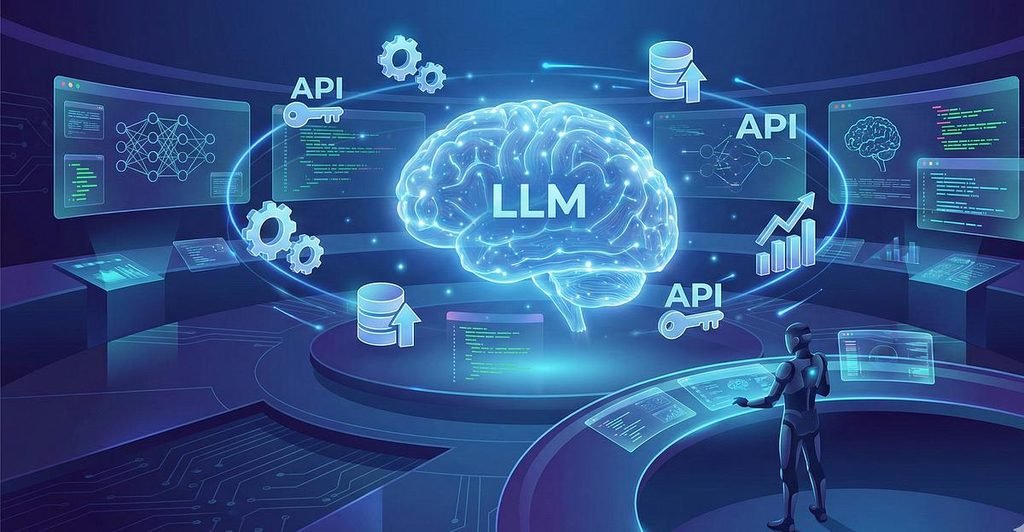
A Large Language Model (LLM) is an artificial intelligence model trained on large amounts of text data to understand and generate human-like language.
An LLM API provides a way for developers to communicate with these models through application requests. Instead of developing an entire language model independently, developers can send user messages to an API and receive AI-generated responses.
Some popular LLM providers include Google Gemini, OpenAI, and Anthropic.
LLM API integration is useful in applications such as:
- AI-powered chatbots.
- Virtual assistants.
- Educational applications.
- Content generation tools.
- Customer support systems.
- Programming assistants.
Project Overview: AI Chatbot with Memory
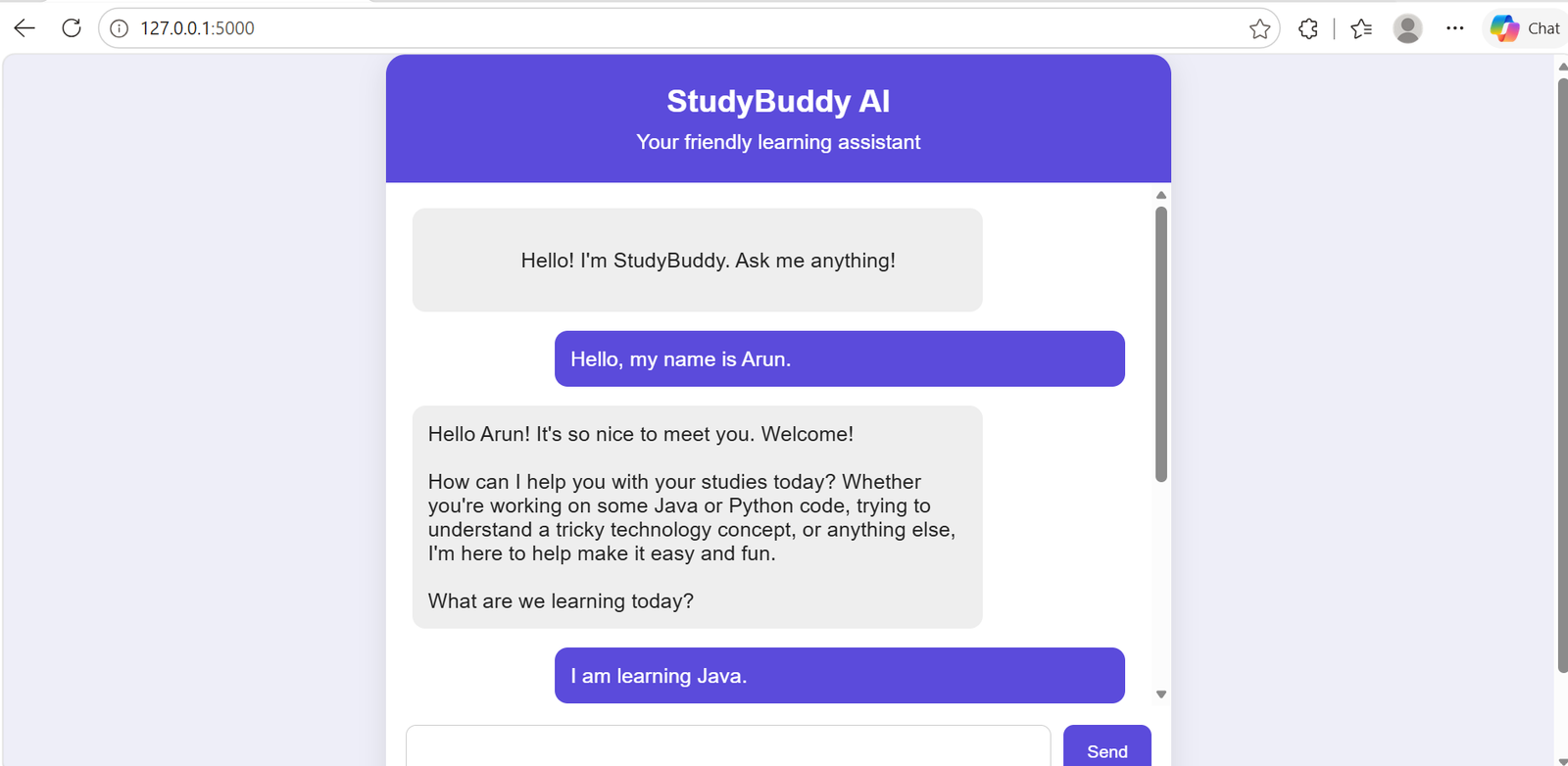
For this project, I developed an AI chatbot that acts as a friendly learning assistant. Its purpose is to help users understand programming, technology, and academic concepts through simple explanations and examples.
The chatbot was designed with a clean and user-friendly interface where users can enter questions and receive responses from the AI model.
Main features of the project:
- AI-powered responses: Uses the Google Gemini API to generate answers.
- Multi-turn conversations: Supports continuous conversations instead of treating every message as a separate question.
- Conversation memory: Maintains previous messages to provide relevant responses based on earlier context.
- Context management: Uses recent conversation messages to control the amount of history sent to the model.
- Custom system prompt: Defines the chatbot’s role, communication style, and response behaviour.
- Error handling: Handles API failures and unexpected errors.
- Secure API key management: Stores sensitive credentials in environment variables rather than directly in the source code.
Technologies Used
The project uses the following technologies:
1. Python
Python was used as the primary programming language for implementing the backend logic and connecting the application to the AI service.
2. Flask
Flask is a lightweight Python web framework. It was used to create the application server and handle communication between the frontend and backend through HTTP routes.
3. Google Gemini API
The Gemini API provides the language model capabilities. The application sends user messages and relevant conversation history to the model and receives generated responses.
4. HTML and CSS
HTML was used to structure the chatbot interface, while CSS was used to create a simple and attractive design.
5. JavaScript
JavaScript handles user interactions, sends messages to the Flask backend, receives AI responses, and updates the chat interface dynamically.
6. Python-dotenv
The dotenv package loads environment variables from a .env file, helping keep the API key separate from the application code.
How the Application Works
The application follows a simple frontend-backend architecture.
- The user opens the chatbot through a web browser.
- The user enters a question in the chat interface.
- JavaScript sends the message and conversation ID to the Flask backend using a POST request.
- Flask identifies the conversation and retrieves its stored message history.
- The application prepares the recent conversation messages and the new user message.
- The backend sends this information to the Google Gemini API along with the custom system instruction.
- Gemini processes the request and generates a response.
- Flask returns the response to the frontend in JSON format.
- JavaScript displays the response in the chat window and the conversation history is updated.
This process allows users to interact with the chatbot naturally through multiple messages.
Understanding Conversation Memory and Context Management
One of the important features of this project is conversation memory.
A basic chatbot may process each question independently. As a result, it may not understand references to previous messages.
For example:
User: What is Java?
Chatbot: Java is an object-oriented programming language.
User: What are its advantages?
A chatbot with conversation context can understand that the user is asking about the advantages of Java.
To achieve this, the application stores previous user and assistant messages using a conversation ID. When a new message arrives, the backend retrieves the relevant history and includes it in the next API request.
The project also uses context truncation by limiting the number of recent messages sent to the model. This helps control the size of each request and avoids sending unnecessary conversation history.
API Security and Error Handling
API security is an important part of application development. An API key should never be exposed directly in frontend JavaScript or committed to a public GitHub repository.
In this project, the Gemini API key is stored in a .env file and accessed through environment variables using Python-dotenv. The .env file should also be excluded through .gitignore.
Error handling is another important consideration. API requests may fail because of network issues, service availability problems, or request limits.
The application handles these situations and returns an appropriate error response rather than allowing the chatbot to fail without explanation.
Challenges Faced During Development
During development, I learned that integrating an LLM API involves more than simply sending a message and displaying a response.
Some of the challenges included:
- Understanding how to configure and connect the Gemini API.
- Selecting a supported model for generating responses.
- Maintaining conversation history across multiple requests.
- Managing context to avoid sending excessive messages.
- Handling API errors and temporary service unavailability.
- Connecting the frontend interface with the Flask backend.
Working through these challenges improved my understanding of API integration, debugging, and backend development.
Key Learnings and Outcomes
This project provided practical experience in integrating Generative AI capabilities into a web application.
I gained knowledge of how LLM APIs communicate with applications, how conversation history improves chatbot interactions, and how backend services manage user requests.
I also strengthened my skills in Python, Flask, JavaScript, API integration, environment variable management, and error handling.
Most importantly, this project helped me understand how AI models can be integrated into real-world applications to create useful and interactive user experiences.
Conclusion
LLM API Integration is an important skill for developing modern AI-powered applications. By building an AI Chatbot with Memory using Python, Flask, and the Google Gemini API, I gained practical experience in connecting an application to a Large Language Model and managing multi-turn conversations.
This project was a valuable learning experience during my internship at Valentius Kryptix. It strengthened my technical knowledge and encouraged me to explore more possibilities in Generative AI and application development.
Project Repository: https://github.com/Sakthinatchiyar/AI-Chatbot-with-Memory
Technologies: Python | Flask | Google Gemini API | HTML | CSS | JavaScript

Leave a Reply
You must be logged in to post a comment.