
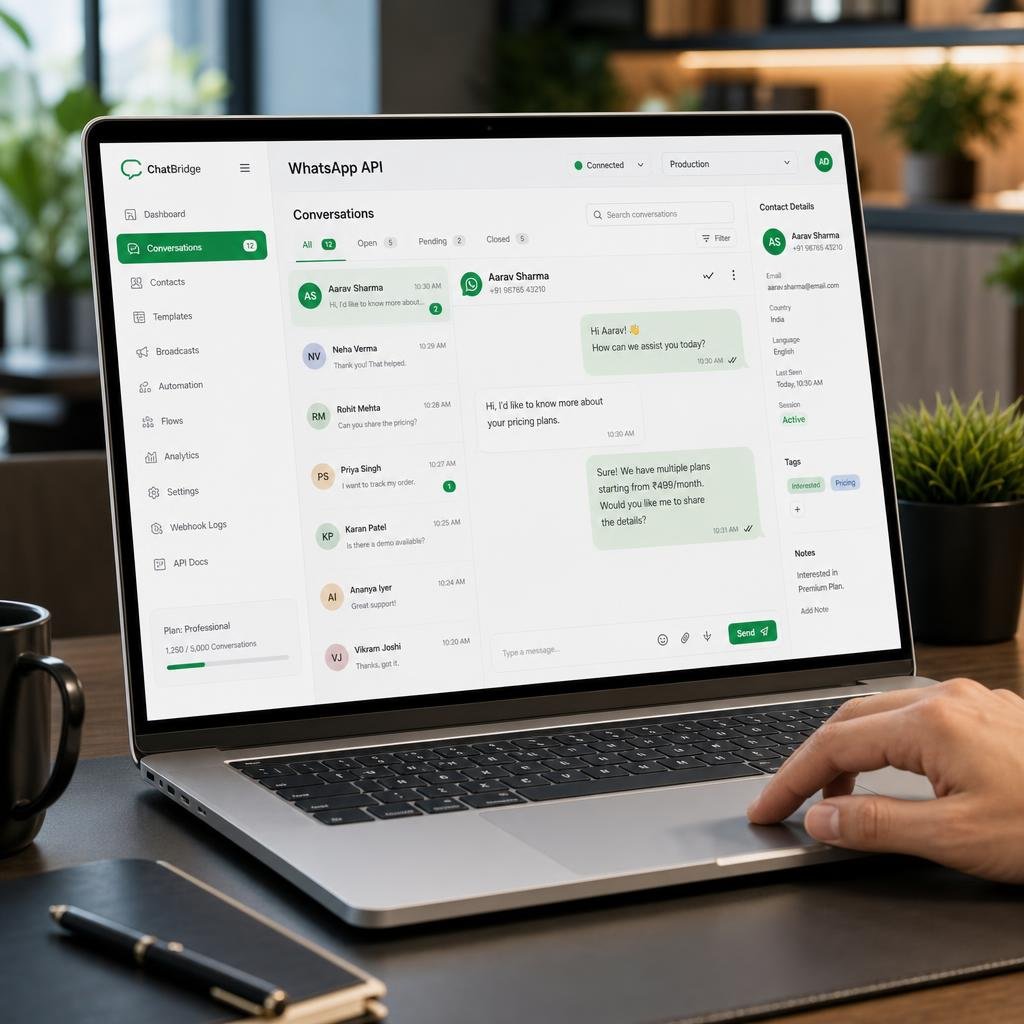

Comprehensive Checklist for WhatsApp API Integration
WhatsApp provides businesses with an efficient platform to engage customers, streamline communication, and automate support. To fully benefit, it’s crucial to approach WhatsApp API integration methodically. This checklist assists business owners and IT leads in navigating the process, ensuring seamless integration and optimizing business automation.
1. Define Your Objectives and Use Cases
- Identify Goals: Is your priority customer support, marketing outreach, transactional updates, or sales?
- Determine Scale: Decide if integration is for a single department or across the organization.
- Shortlist Use Cases: Examples include automated order notifications, 24/7 chatbot support, appointment scheduling, or promotional campaigns.
2. Assess Compliance and Prerequisites
- Official API Access: Confirm your eligibility for WhatsApp Business API. Register an official WhatsApp Business Account.
- Legal Requirements: Abide by country-specific data privacy regulations (like GDPR or local equivalents).
- Verified Phone Number: Secure a unique, dedicated phone number that hasn’t previously registered with WhatsApp.
3. Select a Suitable Integration Approach
- Direct API vs. Third-Party Providers: Decide whether to integrate via the official API or a Business Solution Provider (BSP). BSPs often simplify setup and maintenance.
- Evaluate Vendor Offerings: For BSPs, assess their support, reliability, uptime policies, and reporting capabilities.
4. Plan Automation and Chatbot Workflows
- Business Automation Needs: Map out processes you wish to automate, like routine Q&As, order updates, or appointment reminders.
- Develop a WhatsApp Chatbot: Outline conversation flows, fallback options for human agents, and escalation policies when the chatbot cannot resolve issues.
- Test Bot Responses: Ensure your chatbot covers both common and edge-case scenarios.
5. Integration and System Compatibility
- CRM/ERP Integration: Sync the WhatsApp API with your CRM or ticketing system to maintain accurate records and enhance personalization.
- API Security: Implement secure authentication, encryption, and data access controls.
- Scalability: Plan infrastructure and capacity to cope with projected message volumes and user interactions.
6. Configure Messaging Templates and Compliance
- Template Creation: Draft message templates for pre-approved outbound communications such as alerts, confirmations, and reminders.
- WhatsApp Reviews: Submit templates for WhatsApp’s approval. Ensure content meets guidelines to prevent message blocking or account issues.
- User Opt-in: Collect and record user consent for receiving messages via WhatsApp as required by WhatsApp’s policies.
7. Conduct Testing and Quality Assurance
- Test End-to-End: Run extensive tests from triggering a message to receiving and responding.
- Multi-Device Trials: Validate on different devices and operating systems to ensure consistency.
- Monitor Delivery and Response: Track delivery rates, read receipts, and user replies to verify expected performance.
8. Launch and Monitor Integration
- Soft Launch: Introduce WhatsApp API integration to a limited user group or specific workflow before full deployment.
- Monitor Metrics: Track key KPIs such as response time, customer satisfaction, open rates, and chatbot containment rate.
- Handle Feedback: Act quickly on user feedback and identified issues to refine automation and bot responses.
9. Ensure Ongoing Maintenance and Support
- Update Workflows: Regularly review and update automation flows and FAQs for relevance and accuracy.
- API Updates: Stay informed about WhatsApp API version changes and update your systems accordingly.
- Support Training: Ensure your support team understands new workflows and handover steps from chatbot to human agent.
10. Evaluate and Iterate
- Periodic Review: Schedule periodic assessments to review integration outcomes and user engagement.
- Gather Metrics: Analyze performance metrics to identify trends, issues, and areas for improvement.
- Iterate Strategy: Adjust your approach based on results, feedback, and evolving business goals.
Key Reminders for Successful WhatsApp API Integration
- Start with clear objectives and compliance checks.
- Choose the right integration method for your needs.
- Design automation workflows that are user-centric and streamlined.
- Prioritize testing to avoid disruptions.
- Maintain and update integration to align with business changes and WhatsApp updates.
Maximize the potential of WhatsApp in your business by following this checklist. If you’d like expert guidance, book a free consultation with our team at Valentius Kryptix today.


Leave a Reply
You must be logged in to post a comment.