

Introduction
In today’s digital world, having an online presence is important for students, developers, designers, freelancers, and professionals. A portfolio website is one of the best ways to showcase your skills, projects, achievements, and experience in one place. It acts as a digital identity that helps people understand your abilities and the value you can offer.
Unlike a traditional resume, a portfolio website allows you to present your work visually and interactively. You can include project demonstrations, screenshots, source code links, certificates, and contact information. Whether you are a beginner or an experienced professional, creating a portfolio website can help you build credibility and connect with new opportunities.
What Is a Portfolio Website?
A portfolio website is a personal website that presents your professional skills, projects, experience, and achievements. It gives visitors a clear picture of who you are, what you do, and what you have created.
For example, a web developer can showcase websites and applications they have built. A graphic designer can display creative designs, while a student can highlight academic projects, technical skills, and certificates.
A well-designed portfolio website should be simple to navigate, visually appealing, mobile-friendly, and easy to understand. Its main purpose is to help visitors quickly discover your strengths and work.
Why Is a Portfolio Website Important?
A portfolio website offers several benefits:
1. Builds Your Online Presence
A personal portfolio gives you a dedicated space to represent yourself professionally. You can share its link on LinkedIn, your resume, job applications, and professional profiles.
2. Showcases Your Skills
Instead of only listing skills on a resume, you can demonstrate how you have used them in real projects. For example, a developer can show a project built using HTML, CSS, JavaScript, React, Java, or other technologies.
3. Helps With Internship and Job Applications
Recruiters and hiring managers often want to understand what candidates can actually build. A portfolio makes it easier to explore your projects, technical knowledge, and problem-solving abilities.
4. Creates a Strong First Impression
A clean layout, useful content, and working project links show that you care about quality and presentation. A portfolio can help you stand out when applying for internships, freelance work, or full-time roles.
5. Supports Continuous Learning
You can update your portfolio whenever you learn a new skill, complete a project, or earn a certificate. It becomes a record of your progress over time.
Essential Sections of a Portfolio Website
A professional portfolio website should include the following sections.
1. Home Section
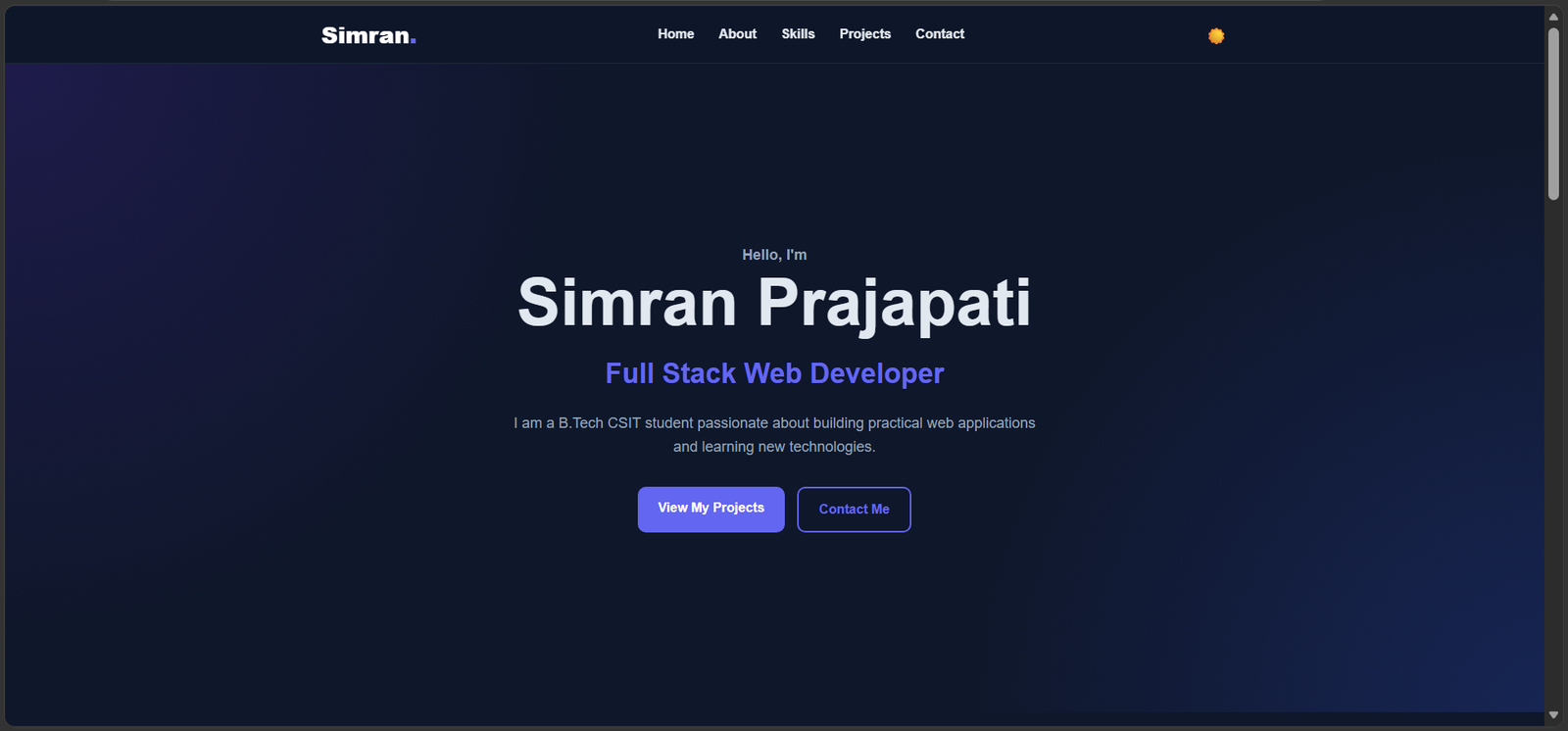
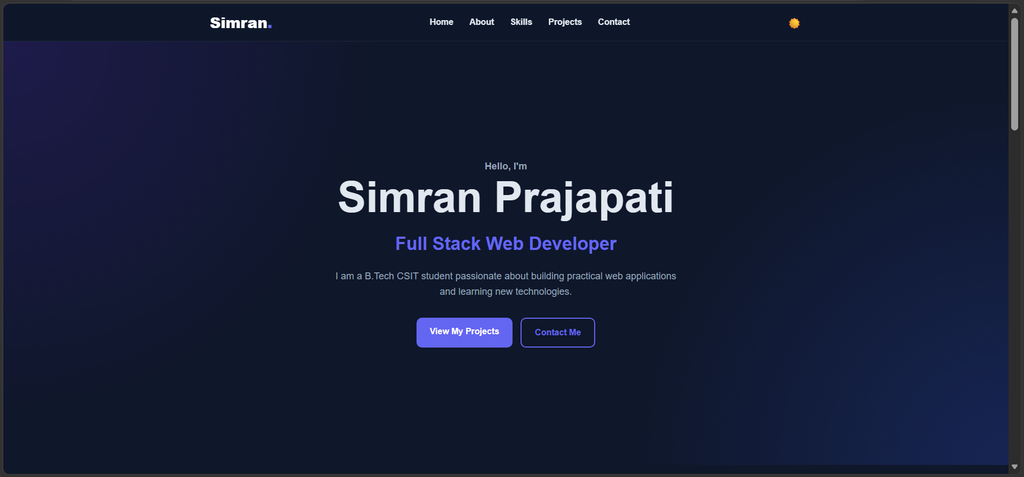
The home section is the first thing visitors see. It should introduce you in a few sentences and clearly communicate your professional interests.
Include your name, role or area of interest, a short introduction, and a clear button such as “View My Projects” or “Contact Me.”
2. About Me
The About Me section explains your background, interests, education, and career goals. Students can mention their degree, technical interests, and the type of opportunities they are seeking.
Keep the description genuine and concise. Focus on relevant information instead of including unnecessary personal details.
3. Skills
List the technologies and tools you can use. A computer science student might include programming languages, web development technologies, databases, development tools, and relevant frameworks.
Only list skills you can explain or demonstrate. Organizing skills into categories makes the section easier to read.
4. Projects
Projects are one of the most important parts of a portfolio website. For each project, include its name, purpose, main features, technologies used, and your contribution.
Add screenshots where helpful and provide working links to the live demo or source code repository. If a project was created by a team, clearly describe your individual responsibilities.
5. Resume and Certificates
You can provide a resume link and display relevant certificates or achievements. Keep these details updated and make sure shared links work correctly.
6. Contact Section
Make it easy for visitors to reach you. You may include a professional email address and links to LinkedIn and GitHub. Avoid publishing private information that is not necessary for professional communication.
Technologies Used to Build a Portfolio Website
The technologies you choose depend on your goals and experience.
HTML: HTML provides the basic structure of a webpage. It is used to organize headings, paragraphs, images, links, and other content.
CSS: CSS controls the appearance of a website, including colors, spacing, typography, layouts, and responsive design.
JavaScript: JavaScript adds interactive features, such as navigation menus, animations, form validation, and dynamic content.
React: React is a JavaScript library used to build reusable user interface components. It can be useful for portfolios with multiple interactive sections.
Git and GitHub: Git helps track changes in code, while GitHub allows developers to host repositories and share their projects.
Beginners can start with HTML, CSS, and JavaScript before moving to frameworks such as React. The best approach is to select technologies that match your current skill level and project requirements.
Steps to Create a Portfolio Website
Step 1: Define Your Goal
Decide why you are creating the website. You may want to apply for internships, showcase development projects, attract freelance clients, or build a professional online identity.
Your goal will help you decide which sections and features are necessary.
Step 2: Plan the Layout
Before writing code, sketch a simple layout. Decide where the navigation bar, introduction, skills, projects, and contact information will appear.
A clear structure helps visitors find information without unnecessary scrolling or confusion.
Step 3: Design the User Interface
Choose a consistent color palette, readable fonts, and sufficient spacing. Use a design that reflects your professional identity without distracting visitors from your work.
Keep buttons, headings, and navigation elements consistent throughout the website.
Step 4: Develop the Website
Start by building the page structure with HTML, then use CSS to create the layout and visual style. Add JavaScript when interactive functionality is needed.
You can use React if your project requires reusable components or more complex interactions. Build one section at a time and test each part before continuing.
Step 5: Add Real Projects
Include projects that demonstrate your skills and interests. Explain the problem each project solves, the technologies used, and the features you implemented.
Check that project screenshots, GitHub repositories, and demo links work correctly. Do not claim features or experience that you cannot demonstrate.
Step 6: Make It Responsive
Your website should work well on mobile phones, tablets, and desktop computers. Use responsive CSS techniques and test the layout at different screen sizes.
Text should remain readable, images should fit their containers, and buttons should be easy to use on touchscreens.
Step 7: Test and Publish
Check the website for broken links, spelling mistakes, layout issues, and errors. Test navigation, buttons, forms, and project links.
Once everything works correctly, you can publish your website using a suitable hosting platform and connect a custom domain if needed.
Best Practices for a Professional Portfolio
A strong portfolio focuses on usability and useful information.
- Keep the design clean and consistent.
- Use clear headings and short paragraphs.
- Highlight your strongest and most relevant projects.
- Add meaningful project descriptions instead of only listing technologies.
- Optimize images so pages load efficiently.
- Make navigation simple and intuitive.
- Use descriptive page titles and relevant keywords.
- Add appropriate alternative text to meaningful images.
- Test the website on different devices and browsers.
- Update your projects, skills, resume, and contact details regularly.
Search engine optimization can help people discover your website. Use a descriptive page title, a relevant meta description, clear headings, and meaningful text. Avoid repeating keywords unnaturally because content should be written primarily for people.
Common Mistakes to Avoid
Some portfolio websites look attractive but fail to communicate the developer’s actual abilities. Avoid these common mistakes:
Too much information: Visitors should be able to understand your background and best work quickly.
Broken links: Always check your GitHub, LinkedIn, demo, and contact links.
Unfinished projects: Clearly label work in progress and avoid presenting incomplete features as finished.
Poor mobile layout: A website that works only on a laptop can create a frustrating experience for mobile visitors.
Outdated content: Remove old information and update your latest skills and achievements.
Unclear project contributions: If you worked in a team, explain which parts you personally handled.
Slow loading pages: Large images, unnecessary animations, and unoptimized files can affect the user experience.
Avoiding these mistakes makes your portfolio more reliable and professional.
Conclusion
A portfolio website is more than a collection of webpages. It is a practical way to present your skills, demonstrate your projects, and build a professional online presence. For students and beginners, it can be especially valuable because it provides evidence of learning and practical experience beyond a traditional resume.
You do not need to create a complicated website at the beginning. Start with a simple layout, include genuine projects, use clear descriptions, and ensure that every link works. As your skills grow, continue improving the design and adding meaningful work.
With consistent effort and regular updates, a well-built portfolio website can become an important part of your career journey and help you present your abilities confidently to recruiters, clients, and the wider professional community.

Leave a Reply
You must be logged in to post a comment.