
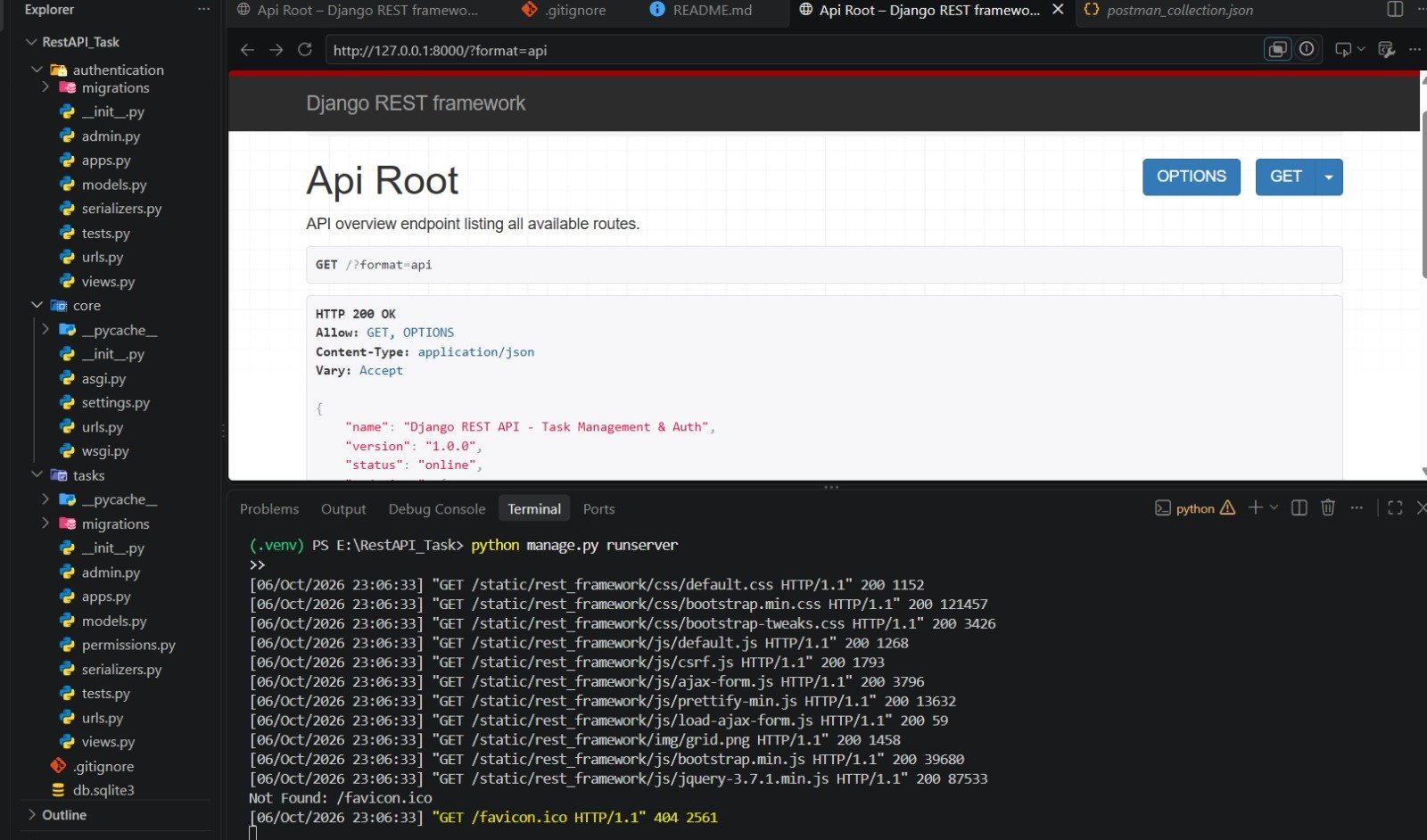

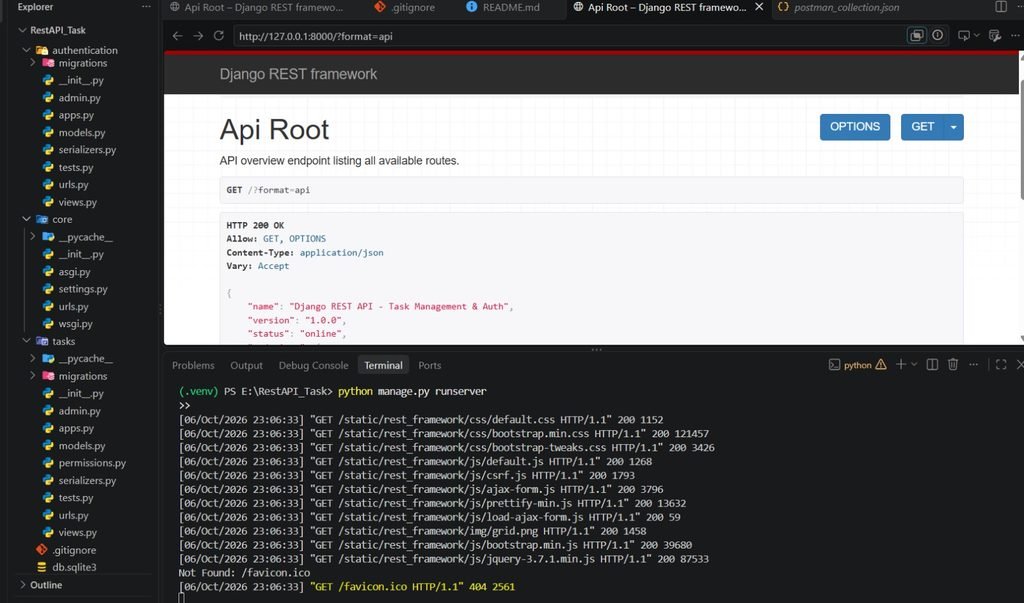
During my internship at Valentius Kryptix, I worked on a backend development task focused on building a Task Management REST API using Python, Django, and Django REST Framework. This project gave me practical experience in developing APIs, implementing authentication, handling CRUD operations, validating user input, and securing user-specific data.
Project Overview
The main objective of the project was to develop a RESTful backend that allows authenticated users to manage their tasks through API endpoints. Instead of building a traditional frontend-based application, the focus was on creating a structured and reusable backend service that can communicate with web or mobile applications through HTTP requests.
The project was developed using Python, Django 4.2, Django REST Framework, and SQLite for development. I also used Postman to test the API endpoints and verify different request and response scenarios.
User Authentication
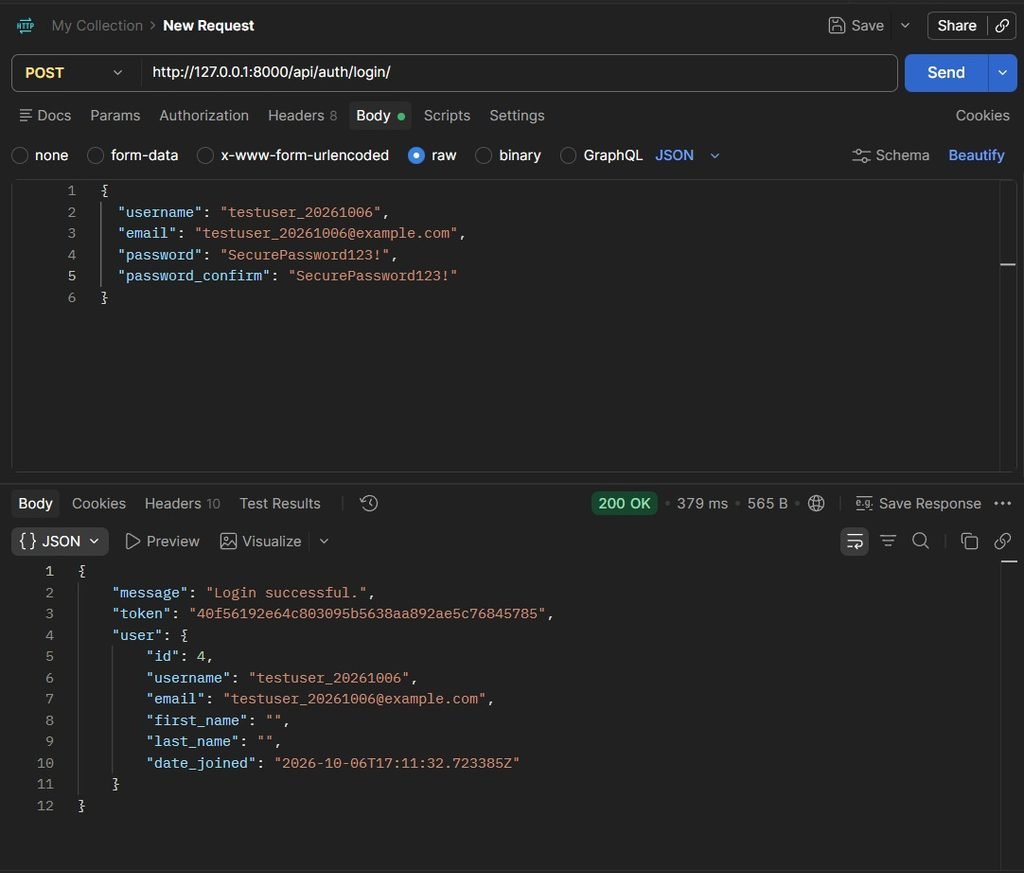
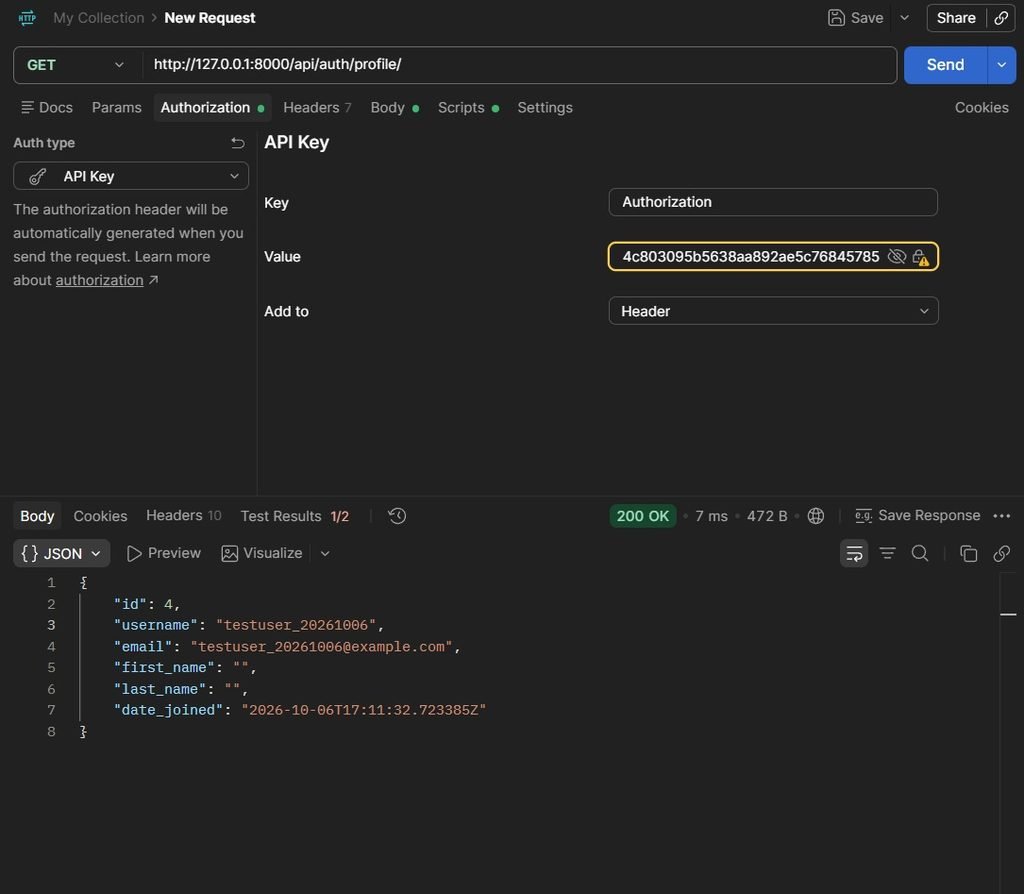
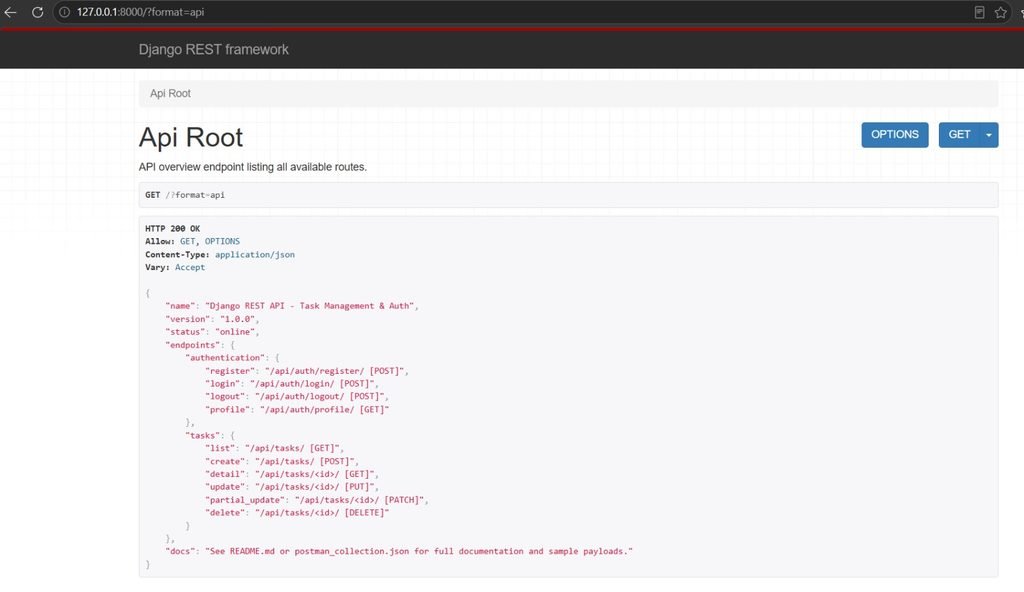
One of the important parts of the project was implementing user authentication. The API provides endpoints for user registration, login, logout, and profile management.A user can register through the registration endpoint and receive an authentication token. The login endpoint verifies the user’s credentials and provides a token that can be used to access protected resources.
For protected API requests, the token is sent through the HTTP Authorization header:
Authorization: Token <token>
This helped me understand how token-based authentication works in REST APIs and how backend systems can protect resources from unauthorized access.
Task Management and CRUD Operations
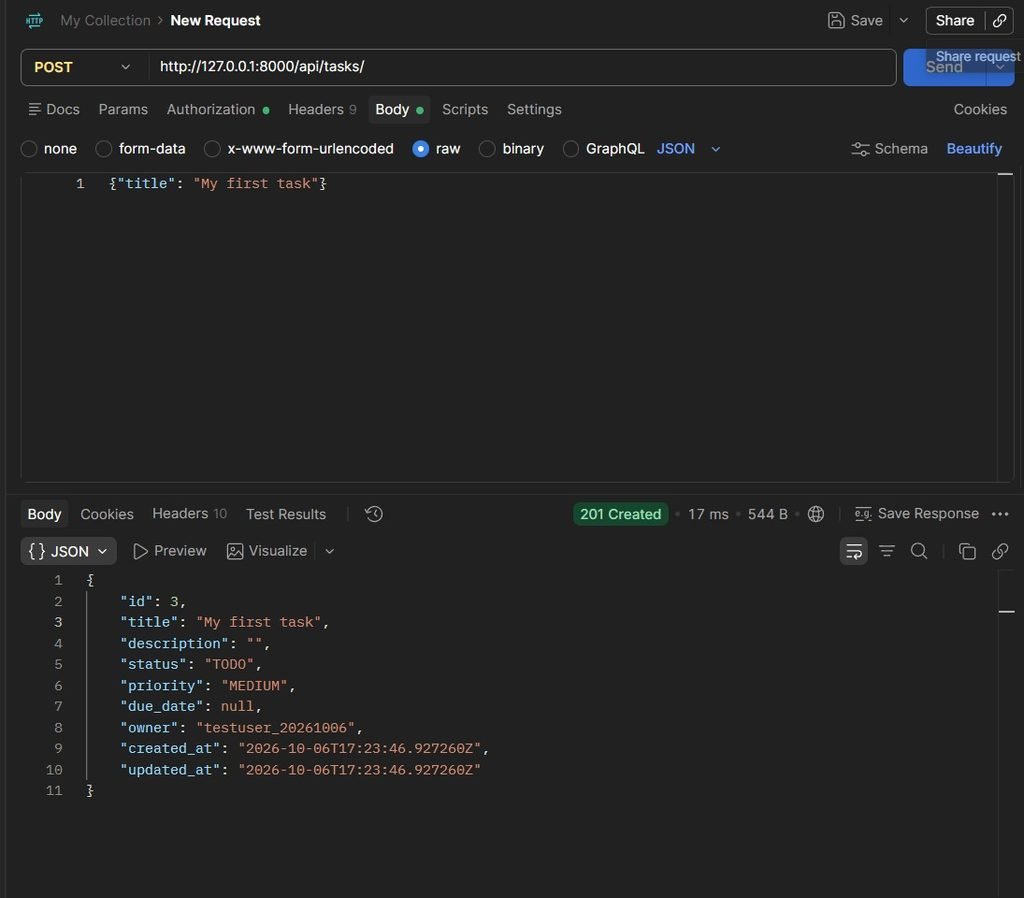
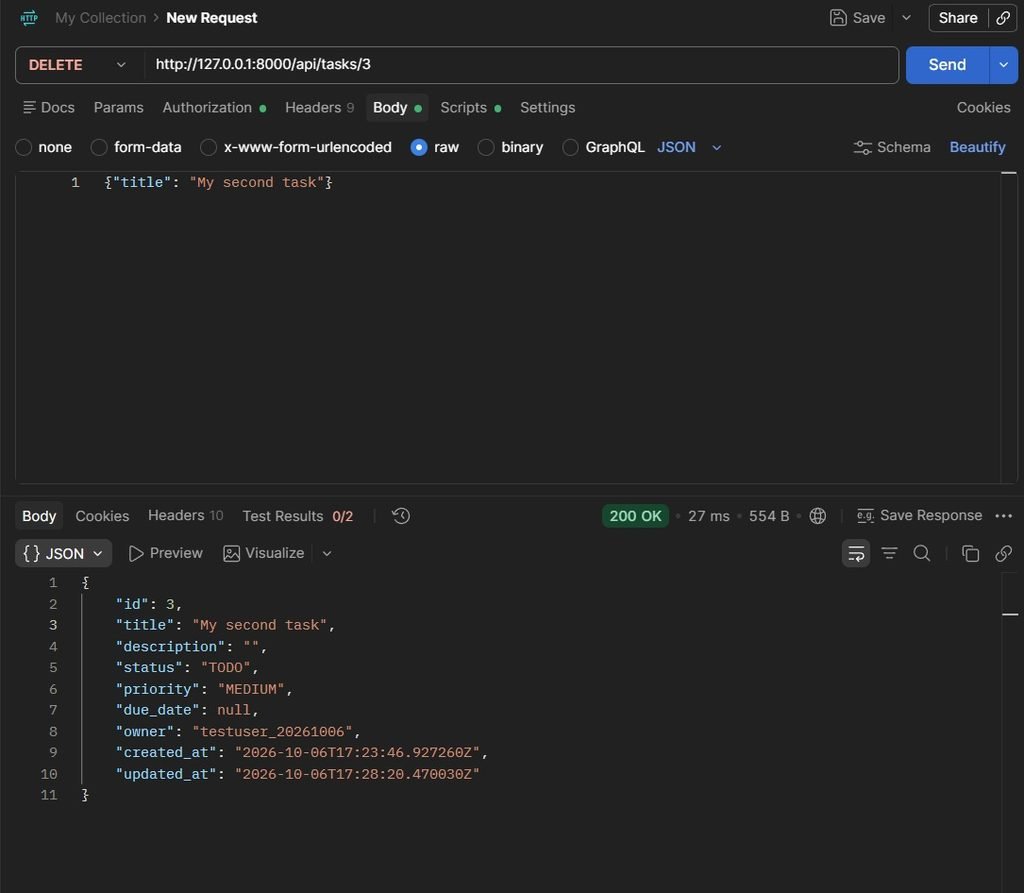
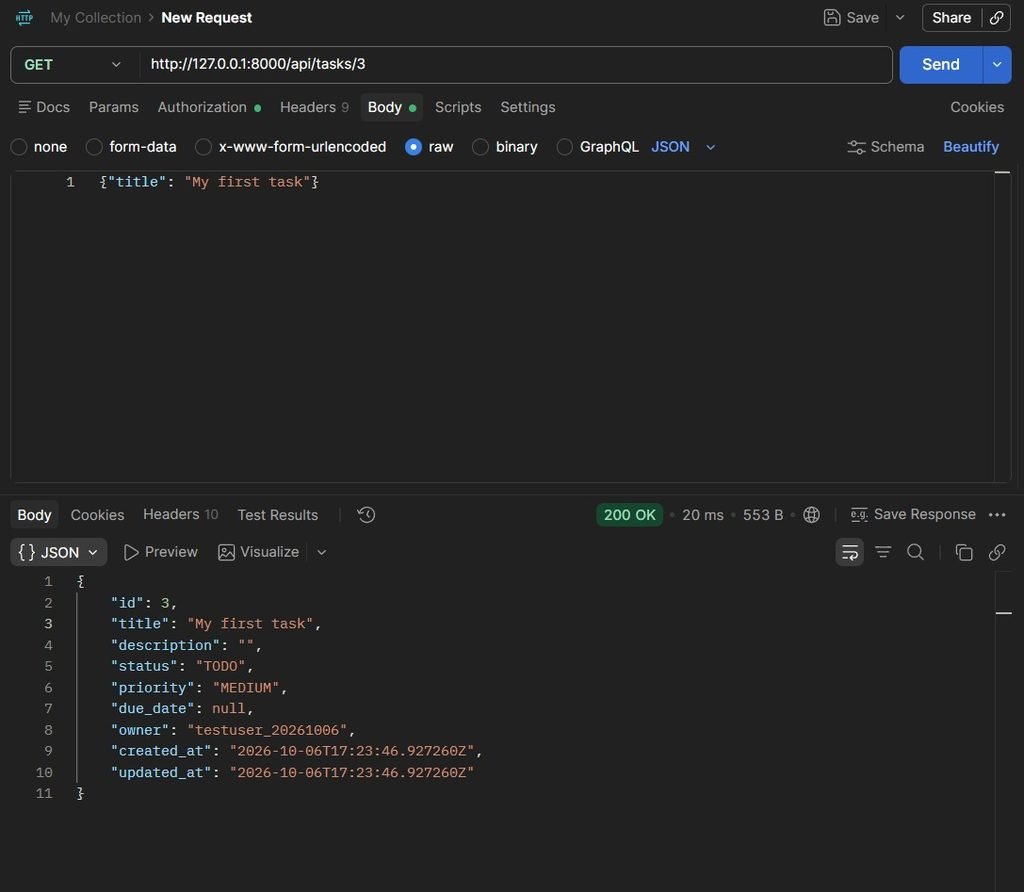
The core functionality of the project is task management. Authenticated users can create, retrieve, update, partially update, and delete their tasks.The API supports standard CRUD operations using HTTP methods such as GET, POST, PUT, PATCH, and DELETE.For example, users can create a task by sending a POST request to the task endpoint.
They can then retrieve their tasks using GET, update an existing task using PUT or PATCH, and remove a task using DELETE.Each task contains information such as a title, description, status, priority, due date, owner, creation time, and update time.The task status is managed using predefined choices such as TODO, IN_PROGRESS, and DONE, while priority can be LOW, MEDIUM, or HIGH.
Data Validation
Another important part of the project was input validation. I used Django REST Framework serializers to validate incoming API data before saving it to the database.
For example, the task title cannot be empty or contain only whitespace, and it must contain at least three characters. The API also validates the status and priority values to make sure that only supported choices are accepted.
Validation helps prevent incorrect or incomplete data from entering the system and makes the API more reliable.
User Data Isolation and Permissions
Security and authorization were important aspects of the project. I implemented user-specific data isolation so that an authenticated user can only access and manage their own tasks.The task query is filtered according to the currently authenticated user. I also implemented a custom owner permission to ensure that users cannot modify tasks belonging to another user.
This was an important learning experience because it showed me that authentication and authorization are different concepts. Authentication identifies the user, while authorization determines what that user is allowed to access.
Filtering, Searching, and Ordering
To make the API more useful, I also implemented filtering, searching, and ordering functionality.Users can filter tasks based on status or priority. They can also search task titles and descriptions and order the results using supported fields such as creation date, due date, priority, or title.These features helped me understand how query parameters can make REST APIs more flexible and useful for real-world applications.
API Testing with Postman
I used Postman to test the different API endpoints. I tested authentication requests, task creation, retrieving tasks, updating tasks, deleting tasks, validation errors, and protected endpoints.Testing the API helped me verify both successful and unsuccessful scenarios and understand how HTTP status codes communicate the result of an API request.
The project also includes automated tests covering important areas such as authentication, CRUD operations, validation, permissions, and filtering.
Key Learnings
This project helped me strengthen several backend development skills:
- REST API Development: I learned how to design and implement API endpoints using Django REST Framework.
- Authentication and Authorization: I gained practical experience with token authentication and user-specific permissions.
- Validation and Error Handling: I learned how serializers can validate incoming data and return meaningful API responses.
- API Testing: Working with Postman helped me understand how to test different HTTP methods, request bodies, authentication headers, and response codes.
- Backend Security: Implementing ownership-based permissions taught me the importance of protecting user-specific resources.
Conclusion
Building this Task Management REST API was a valuable hands-on experience during my internship at Valentius Kryptix. It helped me move beyond basic Python programming and understand how backend applications are structured, how REST APIs communicate with clients, and how authentication, validation, permissions, and testing work together.
The project also gave me a better understanding of how backend APIs can serve as the foundation for frontend applications, mobile applications, and other client systems.
I look forward to applying these concepts in more real-world backend development projects and continuing to improve my skills in Python, Django, REST APIs, and software development.
Technologies Used: Python | Django | Django REST Framework | SQLite | Postman | Git/GitHub

Leave a Reply
You must be logged in to post a comment.