
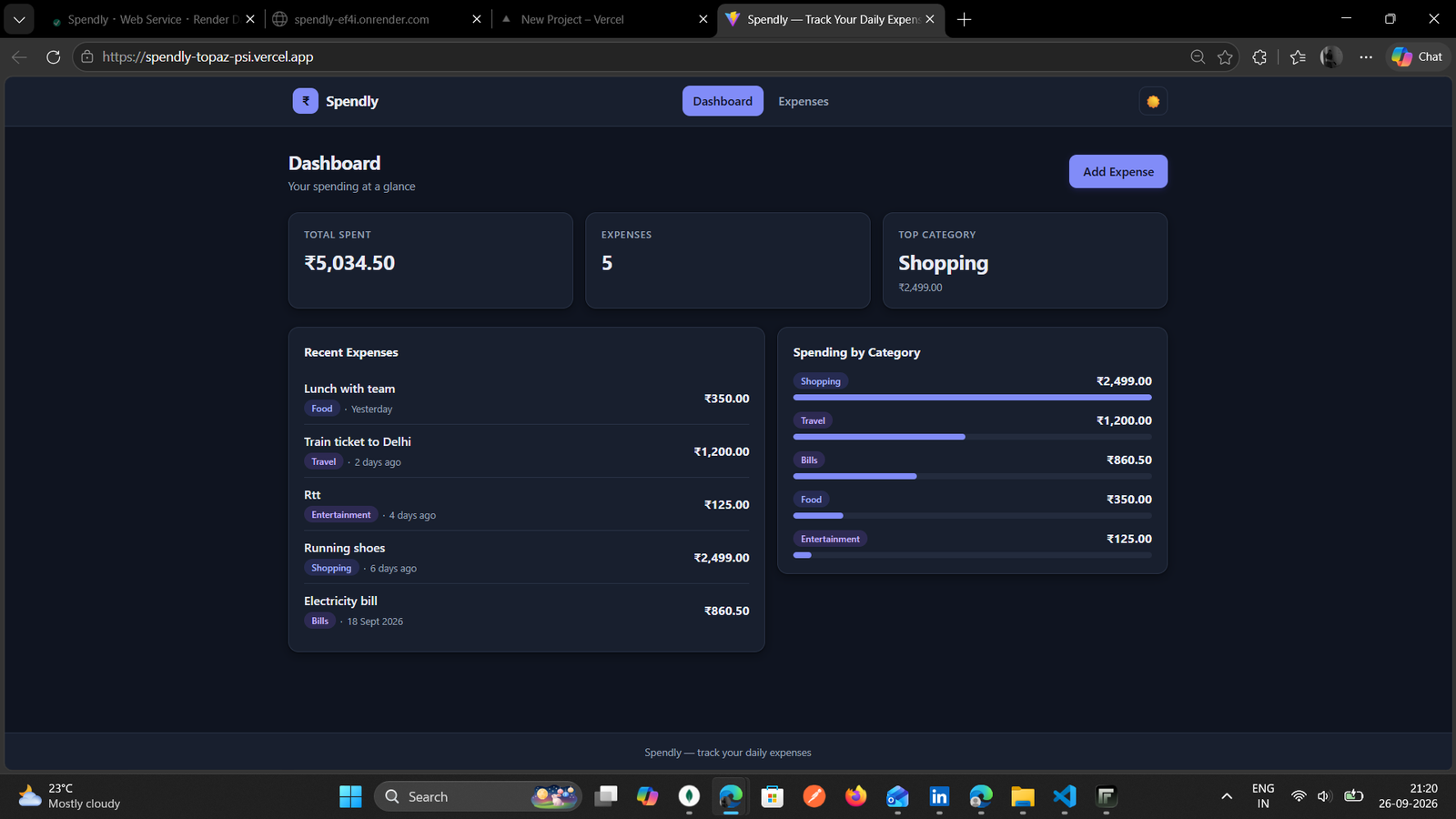

As part of my internship at Valentius Kryptix, I recently completed a full-stack mini project called Spendly. This project gave me an opportunity to work on both frontend and backend development and understand how different parts of a web application work together.
About Spendly
Spendly is a simple personal expense tracker that helps users record, manage and track their daily expenses in one place. The main idea behind the project was to build something simple and useful while getting practical experience with full-stack development.
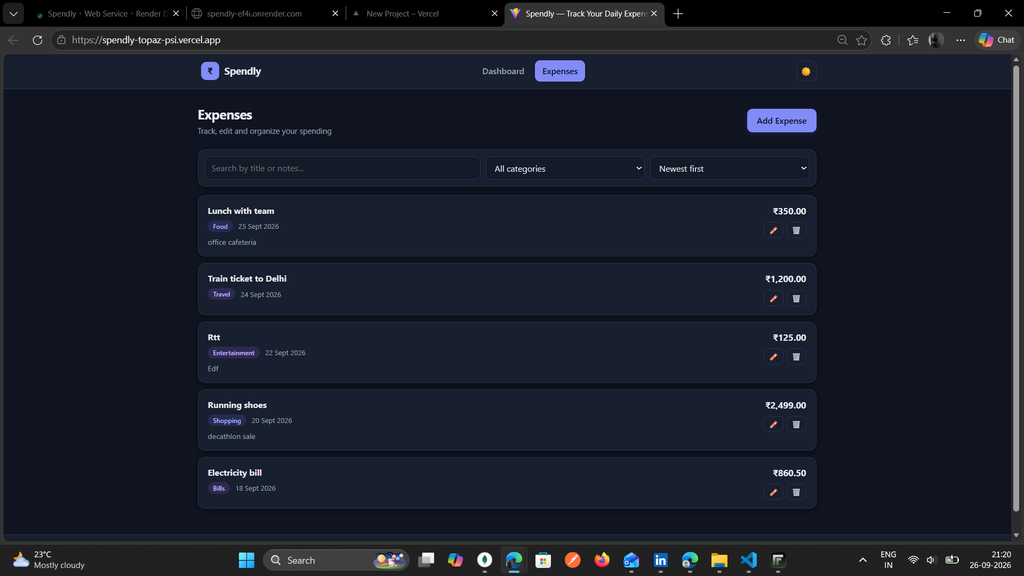
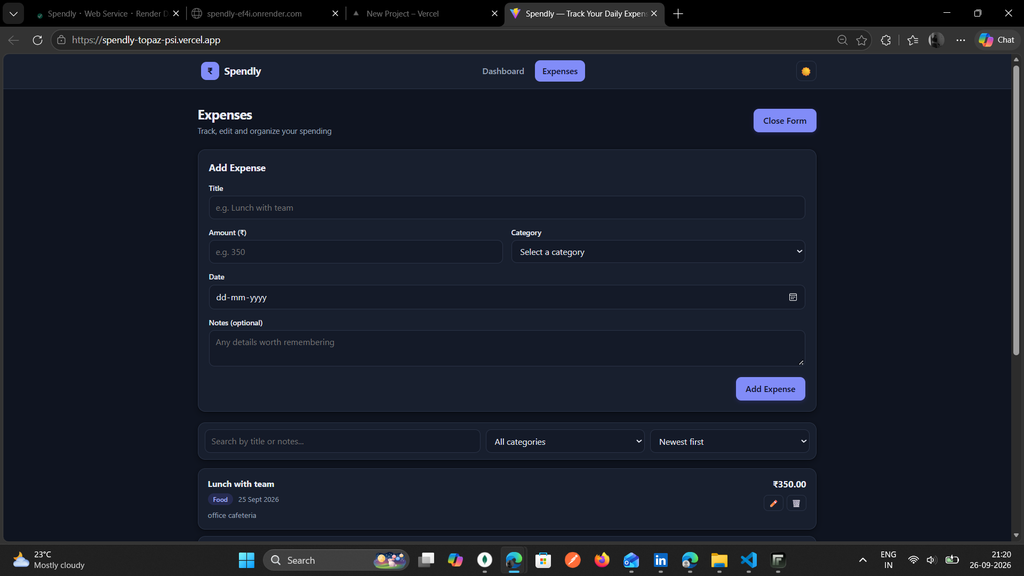
Users can add new expenses with details such as title, amount, category and date. They can also edit or delete expenses whenever required. The application also includes search, filtering and sorting options to make managing expenses easier.
Technologies Used
For the frontend, I used React with Vite, JavaScript and CSS. The backend was developed using Node.js and Express.js, while MongoDB was used for storing the application data with Mongoose.
The frontend and backend communicate through REST APIs. Working with APIs helped me understand how the frontend sends requests to the backend and how the backend processes those requests and interacts with the database.
Working with CRUD Operations
One of the main parts of Spendly was implementing CRUD operations. CRUD stands for Create, Read, Update and Delete.
Users can create a new expense, view their existing expenses, update an expense when needed and delete an expense. I also added basic validation to make sure required fields are filled and invalid expense amounts are not accepted.
Working on these operations helped me understand how data is handled from the user interface all the way to the database.
User Interface and Experience
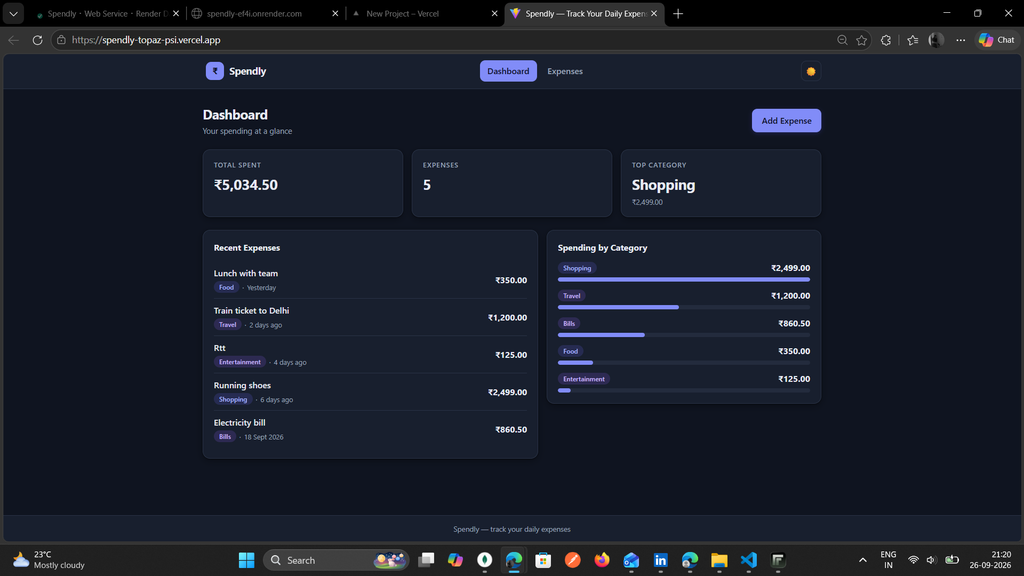
While developing the frontend, I also focused on making the application simple and easy to use. Spendly includes search, filtering and sorting features for expenses. It also provides spending summaries and category-wise information.
I added light and dark mode and made the interface responsive so that it can work across different screen sizes.
Another thing I worked on was handling different application states. For example, the application shows a loading state while data is being fetched and displays an appropriate message when there is an error or when there are no expenses available.
Deployment
After completing the development, I deployed the project so that it could be accessed online.
The frontend was deployed using Vercel, while the backend was deployed using Render. Connecting the deployed frontend with the backend was an important part of the project because the application needed to work properly outside my local development environment.
The live project can be viewed here:
https://spendly-topaz-psi.vercel.app
What I Learned
This project helped me understand the complete flow of a full-stack application better. I gained practical experience with React, Node.js, Express.js, MongoDB, Mongoose, REST APIs and CRUD operations.
I also learned more about connecting a frontend with a backend, handling API responses, validating data, managing loading and error states, making a responsive interface and deploying a project.
During development, I faced some issues while connecting the frontend with the deployed backend. Solving these issues helped me understand the deployment process better and showed me that building a project is not only about writing the code but also about making sure all the different parts work together.
Final Thoughts
Building Spendly was a good hands-on experience during my internship at Valentius Kryptix. It gave me an opportunity to work on a complete project from development to deployment and apply the concepts I have been learning in a practical way.
This milestone has also helped me become more comfortable with full-stack development, and I look forward to learning more and building more projects as I continue my internship.

Leave a Reply
You must be logged in to post a comment.