

Every developer eventually reaches a point where they need a place to showcase their work. That’s exactly why I decided to build my own portfolio website. Instead of using frameworks or website builders, I wanted to challenge myself by creating everything from scratch using only HTML, CSS, and JavaScript. It turned out to be one of the best projects I’ve worked on because it helped me improve both my coding and design skills.
Why I Built It
I wanted a website that represented me and my work in a simple, clean, and professional way. It also gave me a chance to apply the concepts I’d been learning instead of just following tutorials.
- Showcase my projects
- Highlight my technical skills
- Create an online resume
- Practice responsive web design
Tech Stack
I kept things simple:
- HTML for the structure
- CSS for styling and responsiveness
- JavaScript for small interactive features
Working without frameworks made me appreciate how much can be built with just the fundamentals.
What’s Inside the Website?
Home
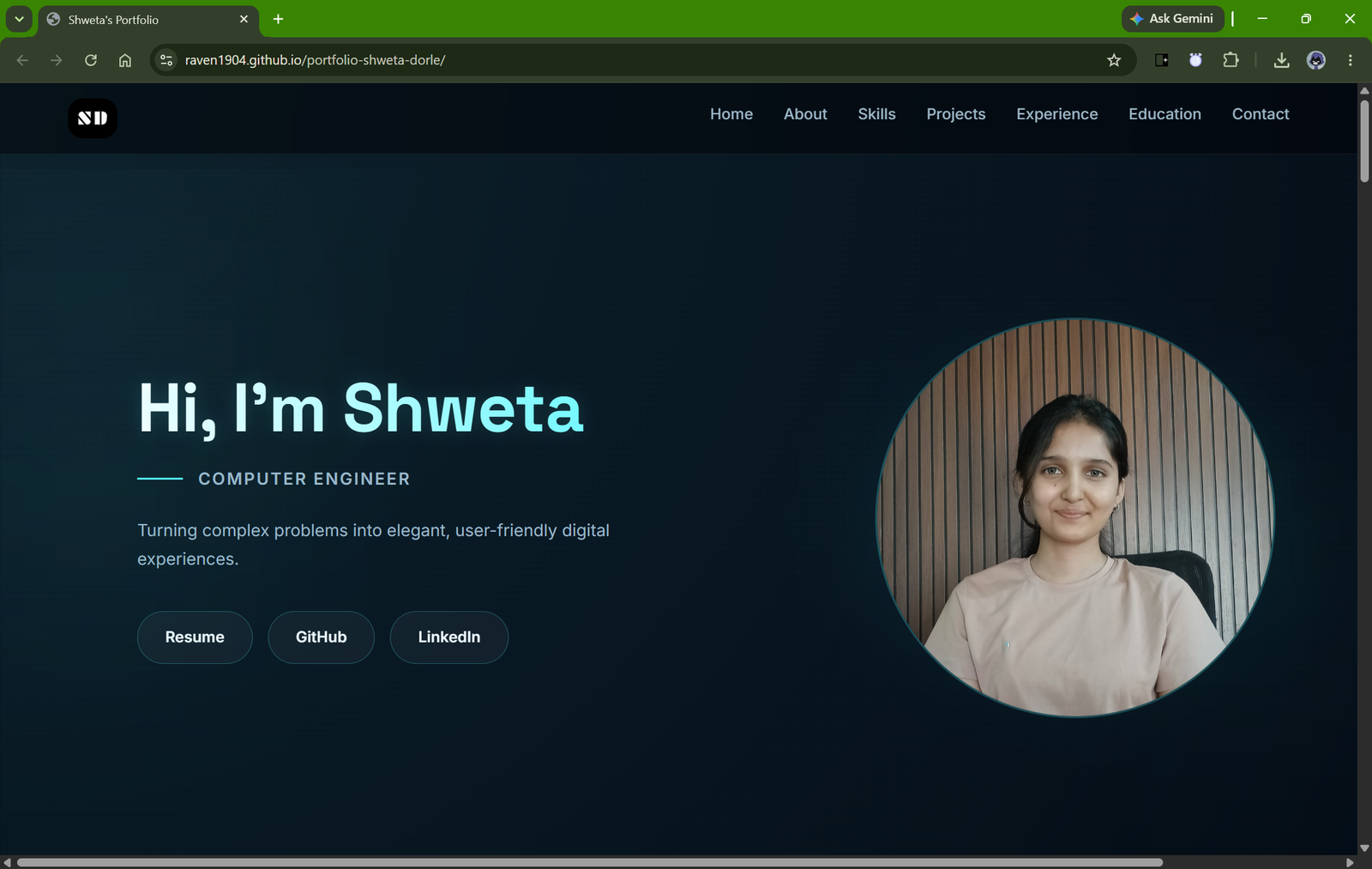
The homepage gives visitors a quick introduction along with easy navigation to the rest of the website.
Screenshot – Homepage
About Me
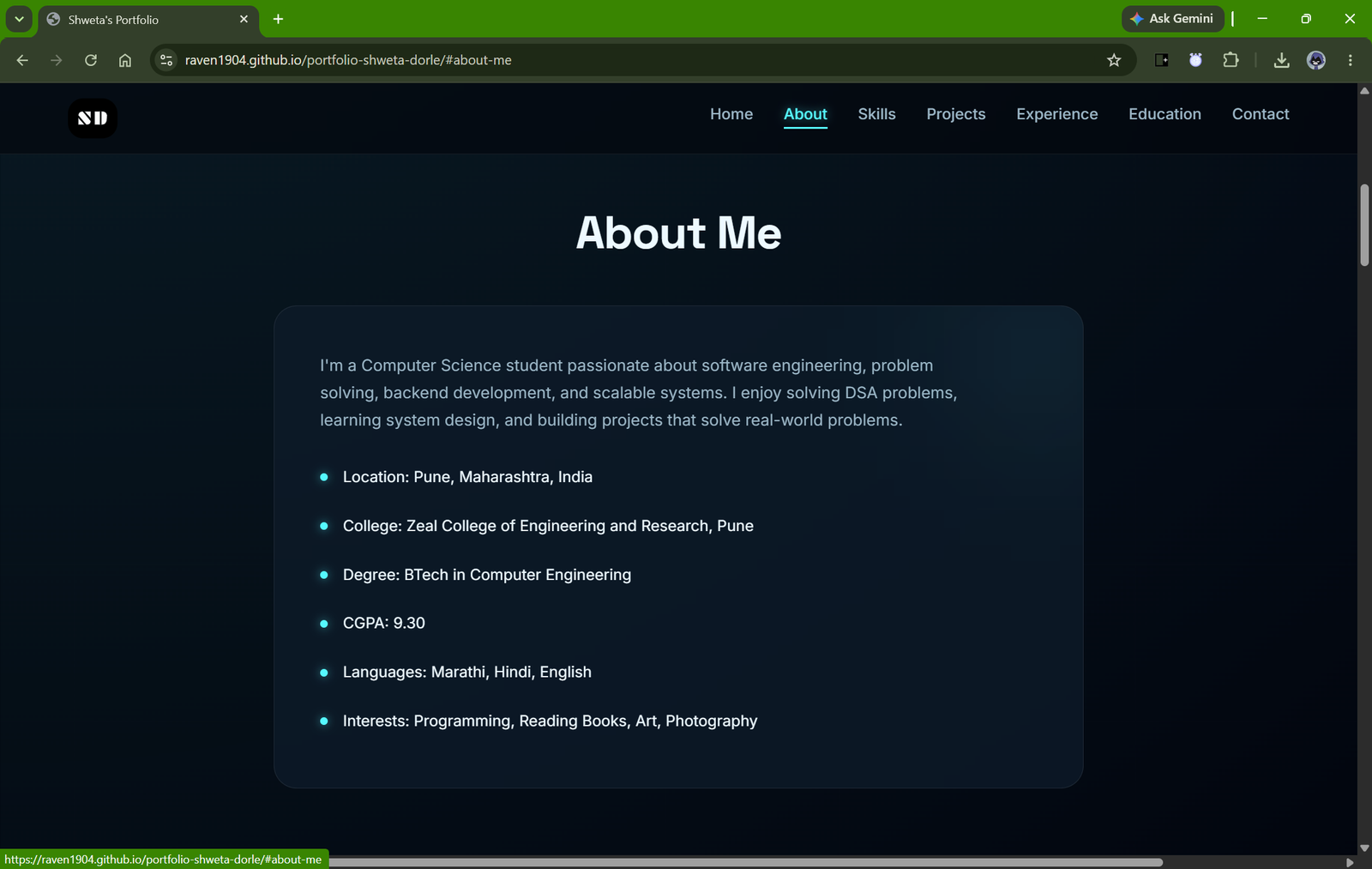
This section shares a little about me, my interests, and my journey into web development.
Screenshot – About Section
Skills
I included the technologies I’m comfortable working with, including HTML, CSS, JavaScript, Git, and responsive web design.
Projects
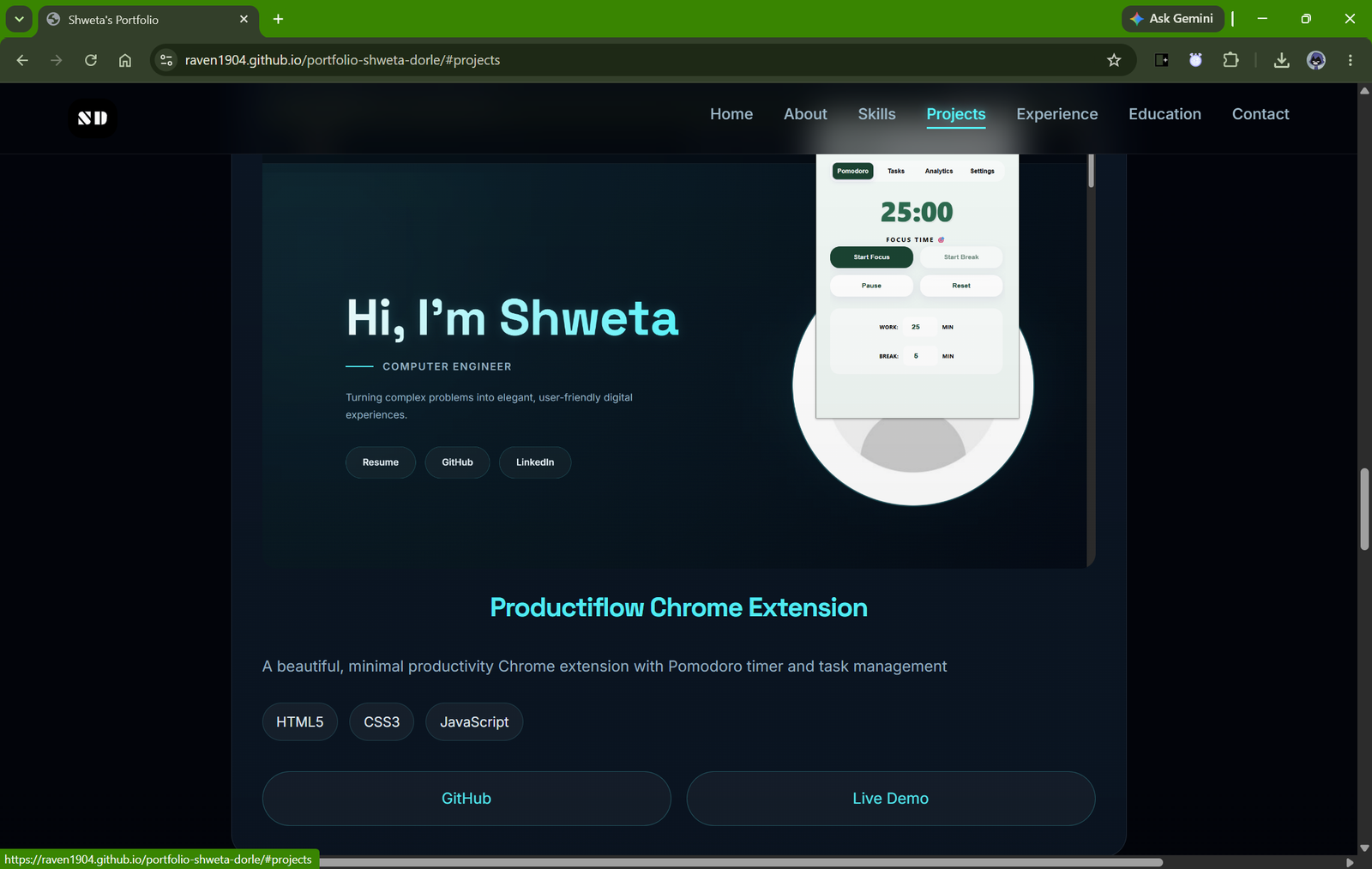
Probably my favorite section! It showcases the projects I’ve built along with short descriptions and links to their GitHub repositories.
Screenshot – Projects Section
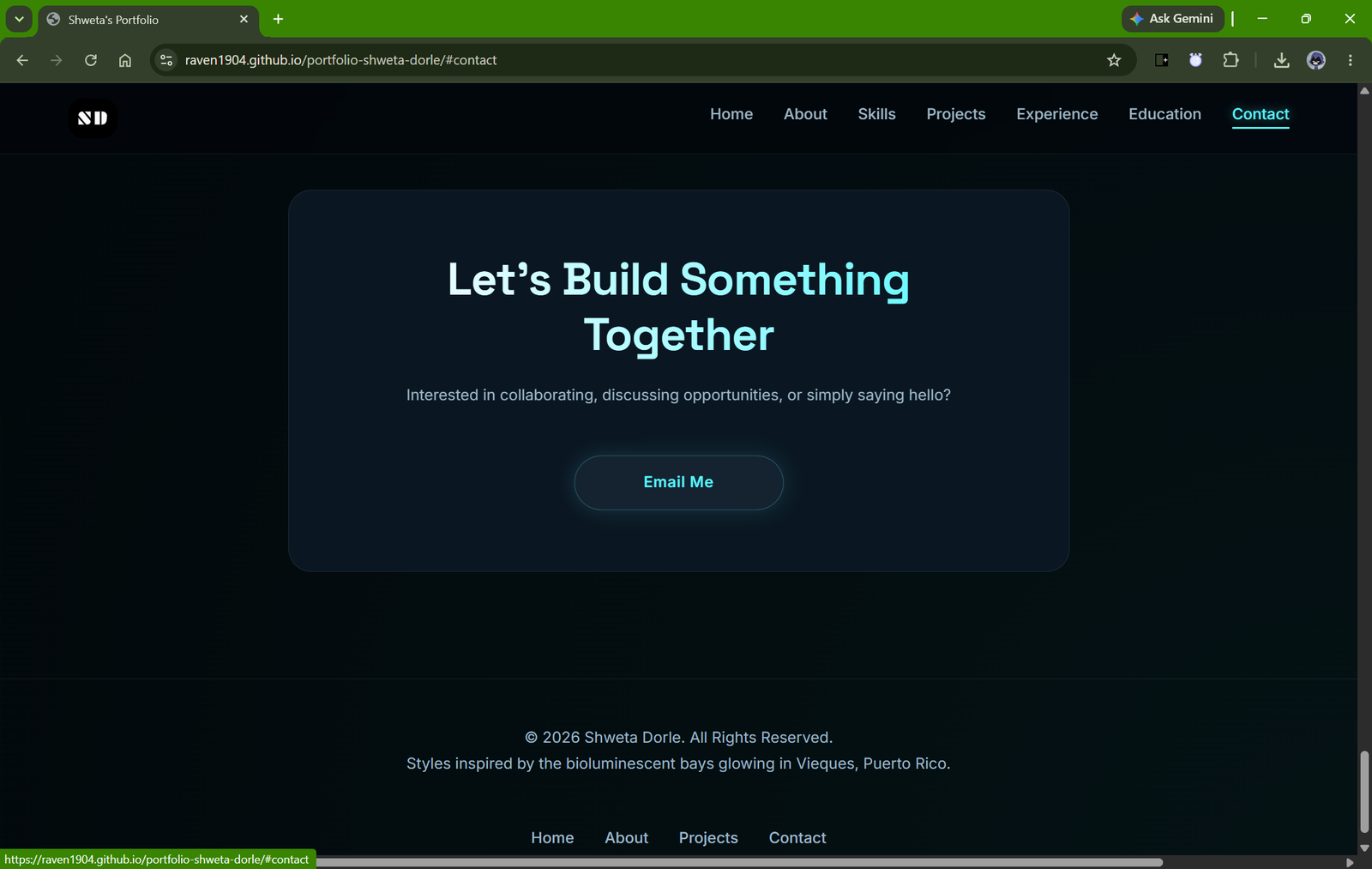
Contact
Finally, there’s a contact section so anyone interested can easily reach out or connect with me.
Things I Learned
This project taught me much more than just writing code. I learned how important layout, spacing, consistency, and responsiveness are in creating a good user experience. Making the website look good on both a phone and a desktop took more effort than I expected, but it was definitely worth it.
I also became much more comfortable with Flexbox, media queries, and JavaScript DOM manipulation while building different sections of the site.
What’s Next?
Even though the website is functional, I already have a few ideas for improving it:
- Add light mode
- Create a blog section
- Include smoother animations
Final Thoughts
Building this portfolio website reminded me that you don’t always need fancy frameworks to create something useful. Sometimes, sticking to the basics is the best way to learn. This project not only gave me a place to showcase my work but also boosted my confidence as a developer. As I continue learning and building new projects, this portfolio will grow along with me.
Suggested URL: portfolio-shweta-dorle


Leave a Reply
You must be logged in to post a comment.