
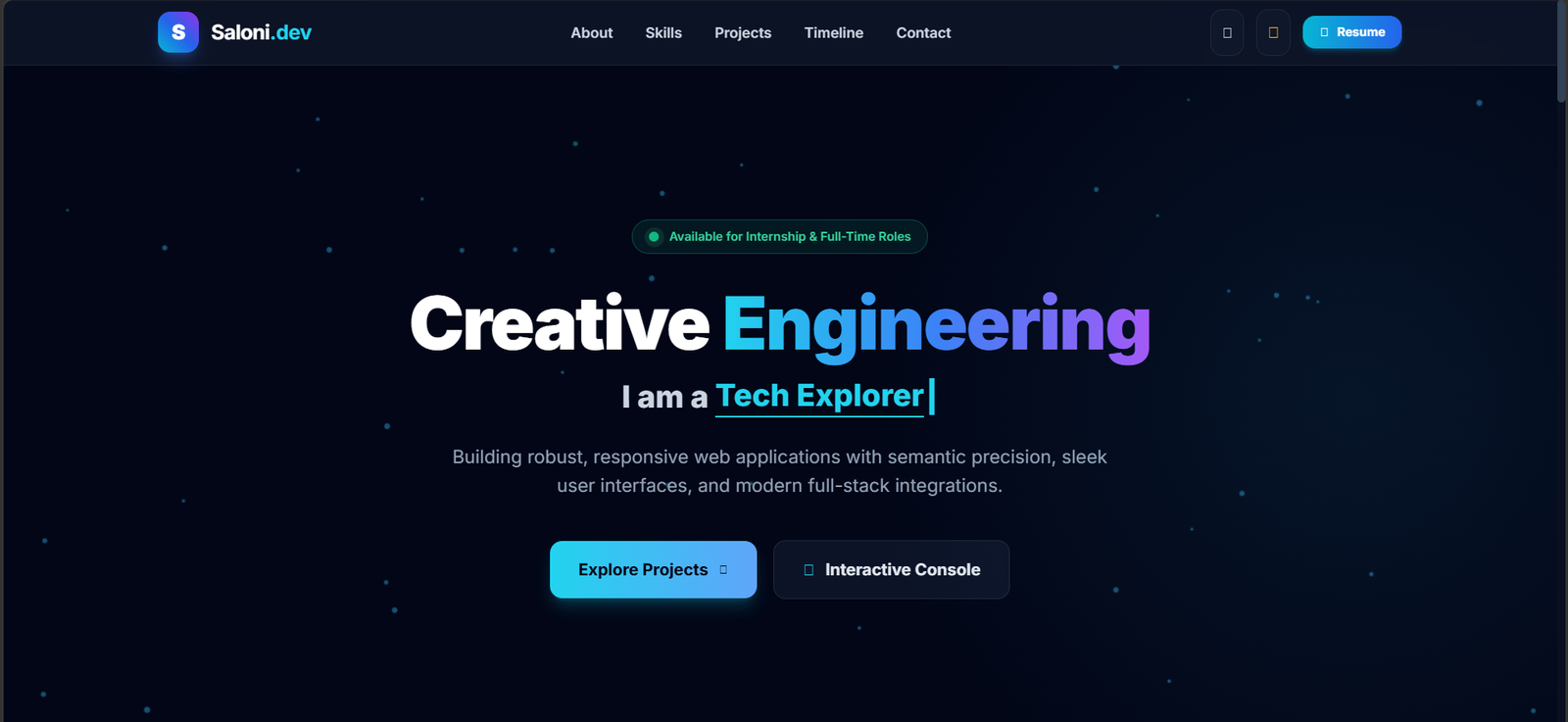

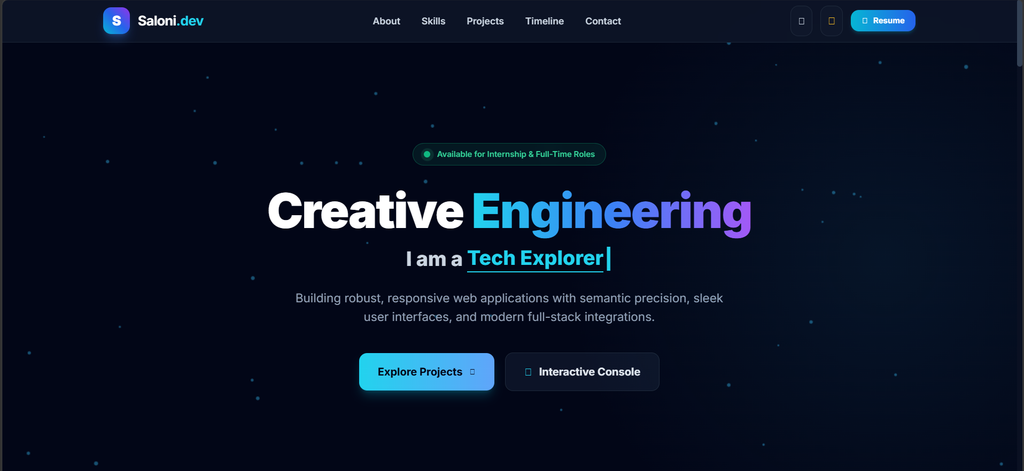
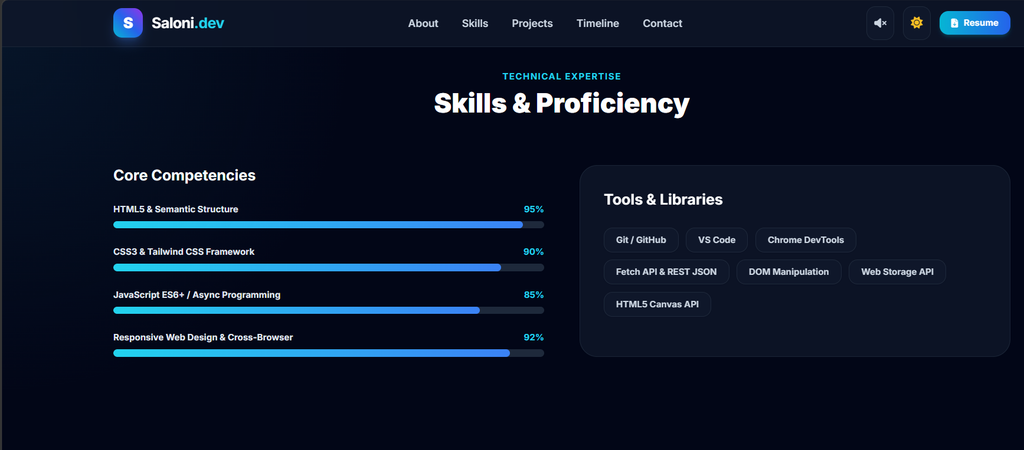
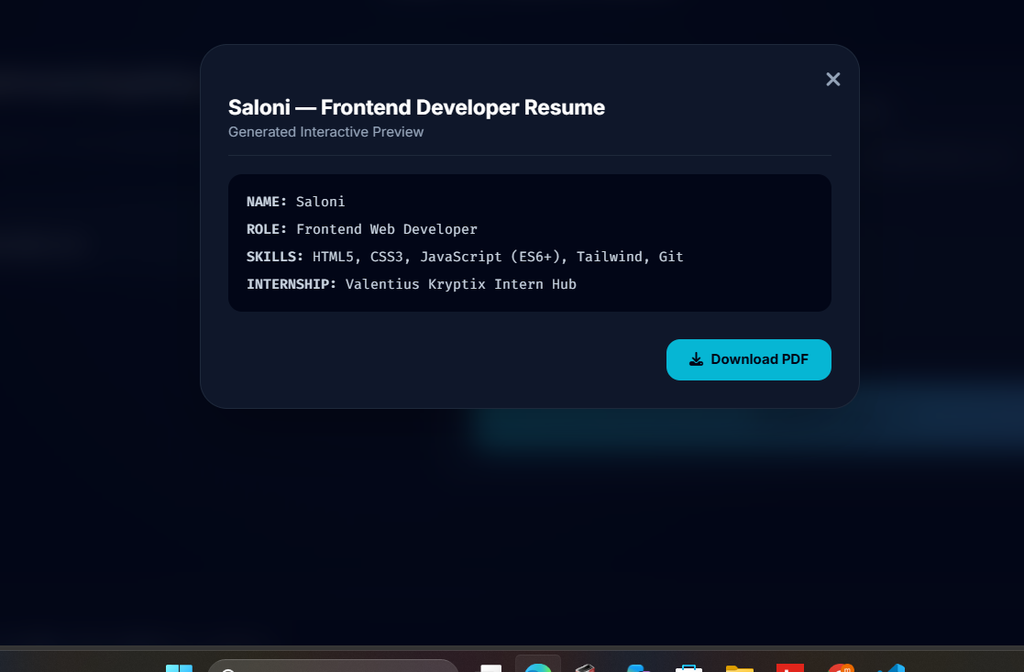
In today’s competitive tech landscape, having a strong digital footprint is no longer optional for software engineers—it is essential. As part of my Web Development Internship at Valentius Kryptix, my primary milestone was Task WA-1: designing, developing, and deploying a modern, fully responsive personal portfolio website from scratch.
The goal of this project was to move beyond static, cookie-cutter templates and build a custom web platform using core web technologies: semantic HTML5, CSS3, and modern Vanilla JavaScript. This blog post breaks down the technical architecture, design decisions, interactive features, and key takeaways from building my portfolio.
Key Features & Design Architecture
1. Semantic Structure & Mobile-First Responsiveness
The foundation of the website relies on semantic HTML5 tags (, , , , ) to ensure accessibility (a11y) and search engine optimization (SEO). Using standard grid and flexbox layouts, the portfolio dynamically adapts across mobile, tablet, and desktop viewports.
2. Dynamic Dark/Light Theme Switcher
To deliver a polished user experience, I integrated a custom theme engine using JavaScript and CSS custom variables (var(–bg-color)). The site detects the user’s system preferences by default and stores manually toggled theme selections in browser localStorage so user choices persist across sessions.
3. Interactive CLI Terminal & Canvas Visuals
To give the portfolio a distinct developer aesthetic, I built an interactive Command Line Interface (CLI) terminal widget. Visitors can type terminal commands (such as help, skills, projects, and contact) to explore my background programmatically. Additionally, an HTML5 Canvas particle system animates in the background, rendering an energetic visual effect without sacrificing rendering performance.
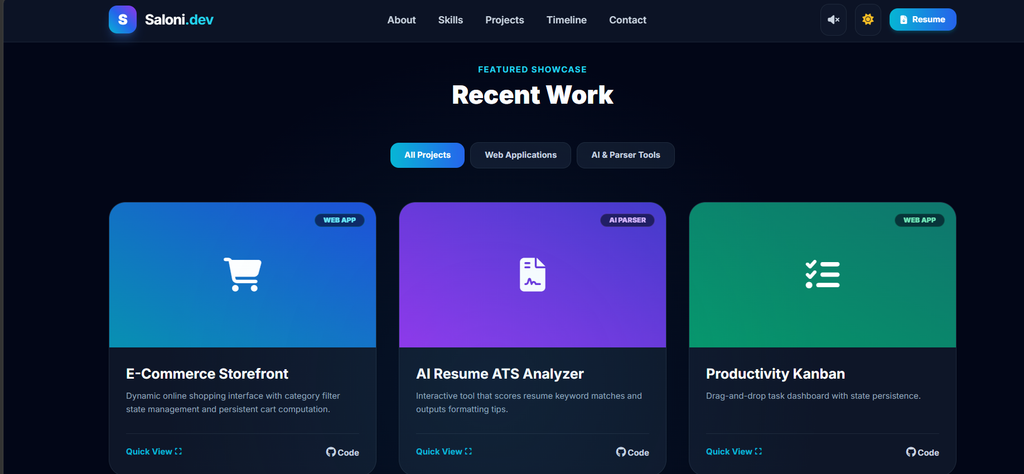
4. Filterable Project Gallery & Dynamic Modals
Instead of listing projects statically, I implemented JavaScript array filtering that allows users to filter showcased work by technology stack (e.g., Java, Frontend, AI/ML). Clicking on any project opens a modal window containing deep dives, system highlights, and direct links to GitHub repositories.
Technical Implementation Highlights
Here is a quick look at the dark mode theme toggle logic using local storage persistence:
const themeToggleBtn = document.getElementById(‘theme-toggle’);
const currentTheme = localStorage.getItem(‘theme’);
if (currentTheme) {
document.documentElement.setAttribute(‘data-theme’, currentTheme);
}
themeToggleBtn.addEventListener(‘click’, () => {
let theme = document.documentElement.getAttribute(‘data-theme’);
let newTheme = theme === ‘dark’ ? ‘light’ : ‘dark’;
document.documentElement.setAttribute('data-theme', newTheme);
localStorage.setItem('theme', newTheme);
});
Key Takeaways & Developer Insights
- DOM Optimization: Managing complex DOM updates alongside animated HTML5 Canvas elements required optimizing event listeners and using requestAnimationFrame to maintain smooth 60fps performance.
- Clean Architecture: Maintaining modular CSS files and cleanly structured JavaScript helped prevent code fragmentation as new interactive features were added.
- Version Control Workflow: Building and tracking the repository on GitHub strengthened my Git workflow—maintaining descriptive commit messages and clear documentation via a detailed README.md.
Conclusion
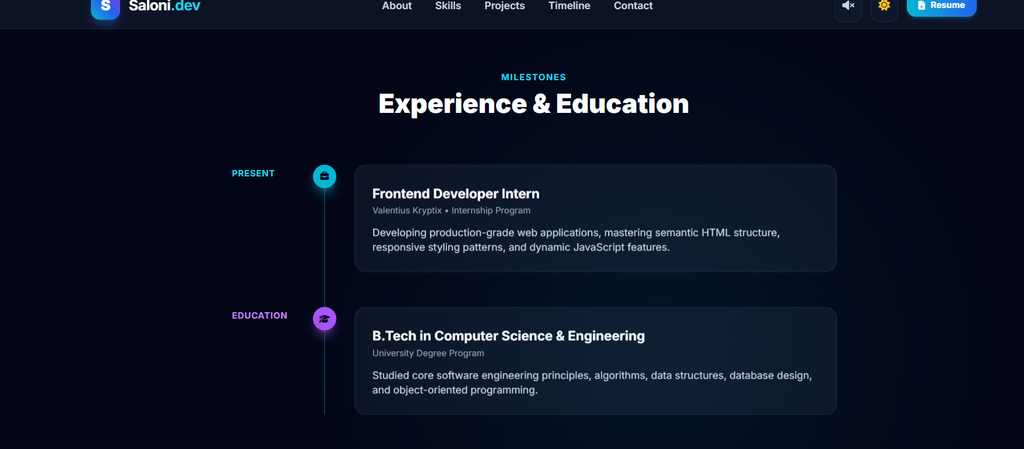
Building this personal portfolio as part of the Valentius Kryptix internship provided hands-on experience in bridging design with functional frontend architecture. It serves as both a central hub for my software projects and a canvas for my ongoing development as a Full-Stack developer.
Check out the completed code and project repository on GitHub: https://github.com/saloni-011/portfolio-website

Leave a Reply
You must be logged in to post a comment.