

Introduction
Full-stack development involves building both the frontend and backend of a web application and connecting them to create a complete user experience. However, developing an application locally is only the first step. Making it accessible to users over the internet requires proper deployment, environment configuration, database connectivity, security, and testing.
As part of my internship at Valentius Kryptix, I worked on a project called TaskFlow, a full-stack task management application. The objective was to develop a web application that allows users to register, log in, create tasks, manage their activities, and track their progress.
Through this project, I gained practical experience in the complete Full-Stack Deployment process, from developing the application locally to hosting it on cloud platforms.
1. Project Overview – TaskFlow
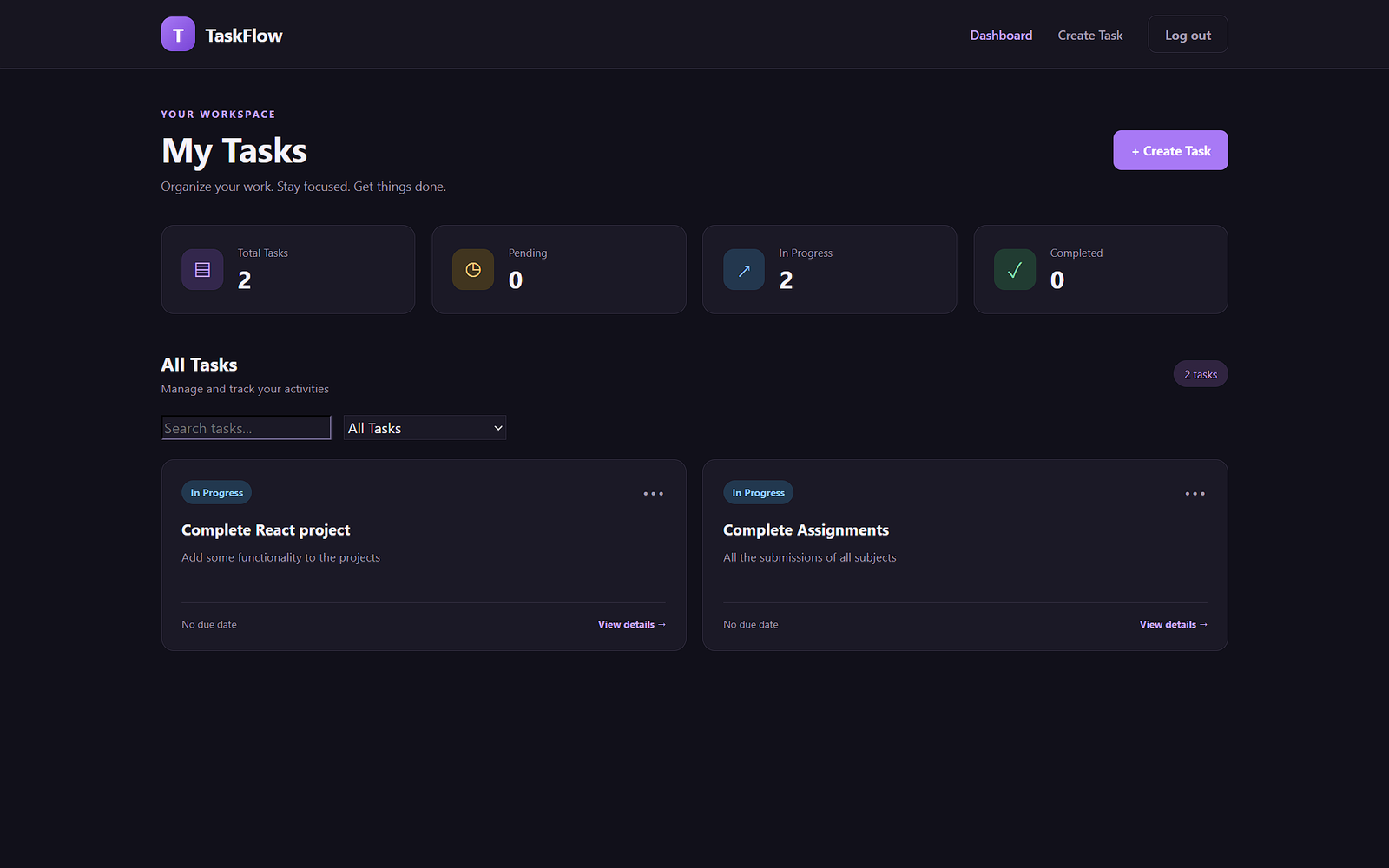
TaskFlow is a full-stack task management application designed to help users organize and manage their daily activities efficiently.
The application provides the following functionalities:
- User registration and login.
- Secure authentication using JSON Web Tokens (JWT).
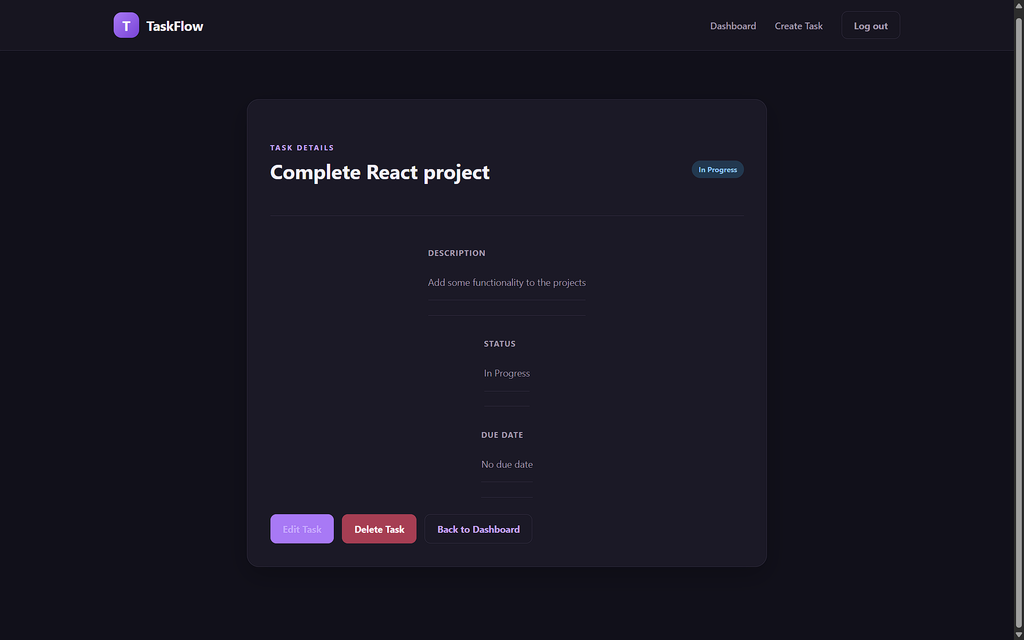
- Creating, viewing, updating, and deleting tasks.
- Managing task statuses such as Pending, In Progress, and Completed.
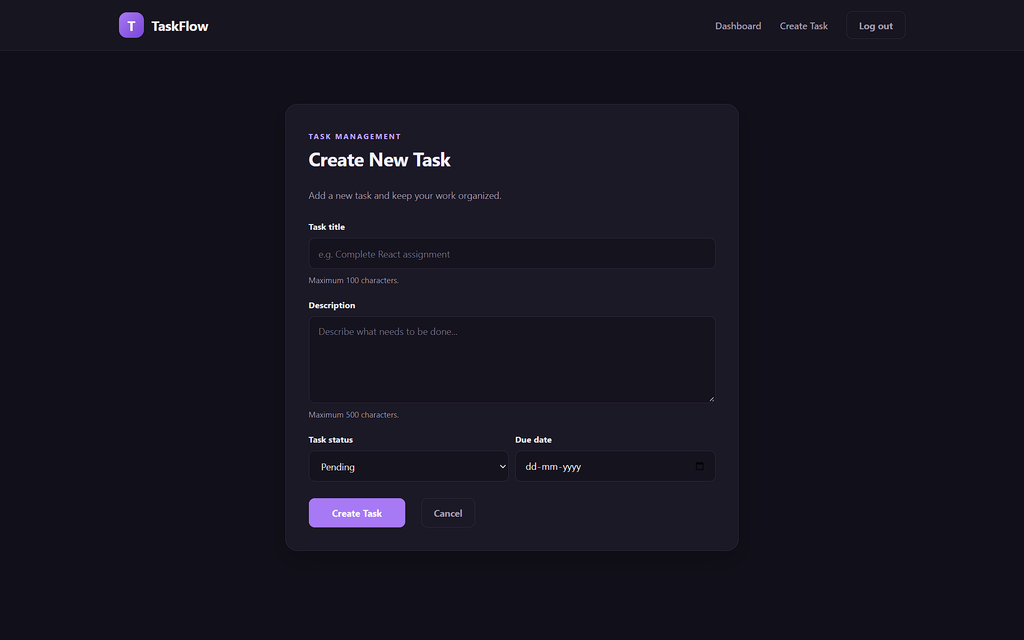
- Adding task descriptions and due dates.
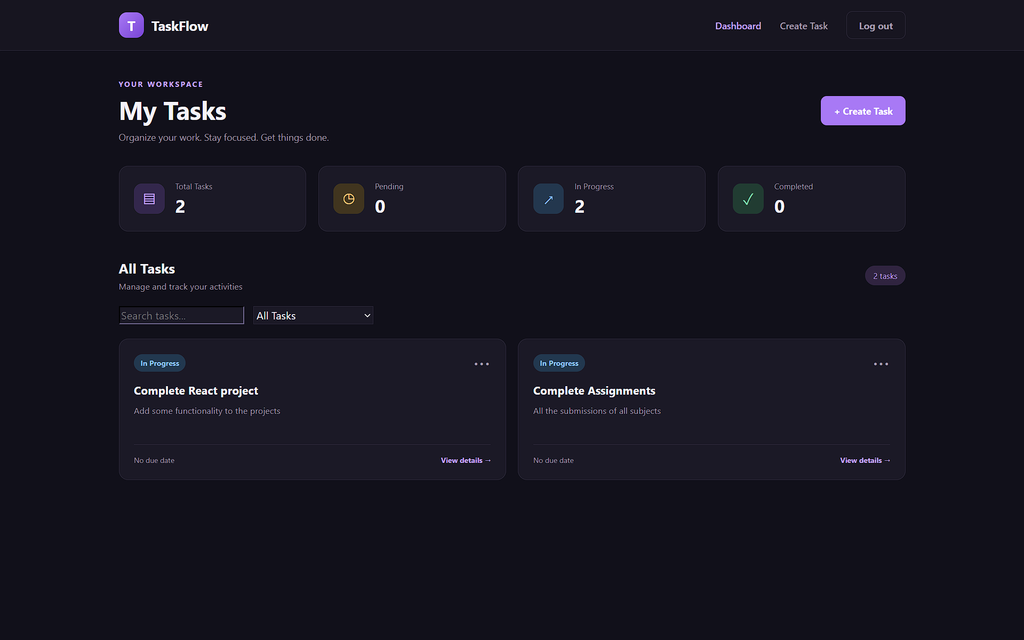
- Viewing task information through a dashboard.
- Managing personal tasks through protected API endpoints.
The application follows a REST API architecture, allowing the React frontend to communicate with the Node.js backend.
Live Project: https://task-manager-frontend-umber-xi.vercel.app/
2. Technologies and Tools Used
I used several technologies to develop and deploy TaskFlow.
Frontend – React.js and Vite
React.js was used to develop the user interface with reusable components. It helped organize the application into different pages and components, including login, registration, dashboard, task list, and task details.
Vite was used as the frontend development and build tool. It provided a fast development environment and generated optimized production files using the npm run build command.
Backend – Node.js and Express.js
Node.js provided the JavaScript runtime environment for the backend, while Express.js was used to create REST API endpoints.
The backend handles authentication, request processing, task operations, and communication with the database.
Database – MongoDB Atlas
MongoDB Atlas was used as the cloud database to store user information and task records.
Mongoose was used to define database models and perform database operations.
Authentication – JWT and bcryptjs
JSON Web Tokens (JWT) were used to authenticate users and protect task-related API endpoints.
Passwords were hashed using bcryptjs before being stored in the database. This prevents passwords from being stored as plain text.
Deployment Platforms – Vercel and Render
Vercel was used to deploy the React frontend, while Render was used to host the Node.js and Express backend.
MongoDB Atlas provided the cloud database required by the deployed application.
3. Backend Deployment Using Render
The first major step in the Full-Stack Deployment process was deploying the backend application.
I used Render to host the Node.js and Express application.
The backend source code was maintained in a GitHub repository. I connected this repository to Render and configured a new Web Service.
The deployment configuration included:
- Runtime: Node.js
- Build Command:
npm install - Start Command:
npm start - Branch:
main
I also configured production environment variables, including:
MONGODB_URIJWT_SECRETJWT_EXPIRES_IN
Environment variables helped keep sensitive configuration values separate from the application source code.
After configuring the service, Render installed the required dependencies and started the backend server.
I verified the deployment using a health-check endpoint:
/api/health
The endpoint returned a successful response, confirming that the backend was running.
I also verified that the backend could connect to MongoDB Atlas.
4. Frontend Deployment Using Vercel
After successfully deploying the backend, I moved to the frontend deployment.
I connected my React frontend GitHub repository to Vercel and selected Vite as the framework preset.
The production build configuration included:
- Install Command:
npm install - Build Command:
npm run build - Output Directory:
dist
Before deployment, I tested the production build locally using:
npm run build
During this process, I encountered a CSS syntax error. I inspected the CSS code, corrected the invalid comment syntax, and executed the build command again. The production build completed successfully.
One important configuration was the frontend API URL.
During local development, the application communicated with the backend using:
http://localhost:5000/api
However, the deployed frontend needed to communicate with the production backend hosted on Render.
To achieve this, I configured the VITE_API_URL environment variable in Vercel with the production backend URL.
This allowed the frontend to use the correct API endpoint without changing the existing API request implementation.
5. Connecting Frontend and Backend Using CORS
Another important part of Full-Stack Deployment was establishing communication between the deployed frontend and backend.
During local development, the React frontend and Express backend ran on different ports.
After deployment, they were hosted on separate platforms and had different domain names.
Browsers enforce Cross-Origin Resource Sharing (CORS) policies to control requests between different origins.
I configured CORS middleware in Express to allow requests from:
- The local React development server.
- The deployed Vercel frontend.
I also configured the production frontend URL through a Render environment variable named FRONTEND_URL.
The backend was configured to allow the necessary HTTP methods and request headers, including the Authorization header used for JWT authentication.
This configuration allowed the frontend to communicate with the backend successfully in the production environment.
6. Challenges Faced During Deployment and Their Solutions
The deployment process involved several challenges that helped me improve my debugging and problem-solving skills.
6.1 CSS Production Build Error
During the production build, Vite reported a CSS syntax error related to an incorrectly closed CSS comment.
I inspected the CSS files, identified and corrected the invalid syntax, and executed the production build again.
This helped me understand the importance of validating frontend code before deployment.
6.2 GitHub Push Rejection
While pushing backend changes to GitHub, I encountered a rejected push because the remote repository contained changes that were not available in my local repository.
Instead of overwriting the remote changes, I used:
git pull --rebase origin main
After successfully synchronizing the changes, I pushed the updated code to GitHub.
This improved my understanding of Git synchronization and version control.
6.3 Production CORS Configuration
Initially, the deployed frontend displayed a server connection error when communicating with the backend.
I investigated the production API configuration and identified the need to allow the deployed frontend domain through the backend’s CORS configuration.
After configuring the FRONTEND_URL environment variable on Render, the frontend and backend communicated successfully.
6.4 JWT Authentication and Token Expiration
I also learned how JWT token expiration affects authentication.
When a token expires or the signing secret changes, previously issued tokens become invalid.
Users must authenticate again to obtain a new token.
This helped me understand the importance of token expiration, authentication handling, and secure session management.
7. Testing the Deployed Application
After deploying both the frontend and backend, I performed functional testing using the live application.
The testing process included:
- Registering a new user account.
- Logging in with valid credentials.
- Accessing the protected dashboard.
- Creating new tasks.
- Viewing existing tasks.
- Updating task information and status.
- Deleting tasks.
- Logging out and logging in again.
- Verifying that task information persisted in MongoDB Atlas.
I also checked the backend health endpoint to confirm that the production API was responding successfully.
These tests helped verify the complete communication flow between the frontend, backend, authentication system, and cloud database.
8. Key Learnings from the Full-Stack Deployment Process
Working on TaskFlow provided practical experience in several important areas of full-stack development.
1. Production Deployment
I learned how to deploy a React application using Vercel and a Node.js backend using Render. I also understood how GitHub integration helps automate deployments when new changes are pushed.
2. Environment Variable Management
I gained experience in configuring separate development and production environment variables. I also understood why sensitive information such as database credentials and JWT secrets should not be committed to GitHub.
3. API Integration and CORS
I developed a better understanding of how frontend and backend applications communicate across different origins and how CORS configuration enables controlled cross-origin requests.
4. Authentication and Security
I strengthened my understanding of JWT authentication, password hashing, protected API routes, and token expiration.
5. Debugging and Problem-Solving
I gained practical experience in identifying and resolving CSS build errors, Git synchronization issues, CORS problems, and production connectivity errors.
Conclusion
Completing the TaskFlow project was a valuable learning experience because it allowed me to understand the complete lifecycle of a full-stack web application.
From developing the frontend and backend to integrating MongoDB Atlas and deploying the application using Vercel and Render, I gained practical exposure to real-world development and deployment workflows.
This project helped me understand that successful Full-Stack Deployment involves much more than hosting application code. It also requires proper configuration, secure authentication, database connectivity, API communication, debugging, and production testing.
I would like to thank Valentius Kryptix for providing this opportunity to strengthen my technical knowledge, improve my problem-solving abilities, and gain hands-on experience in full-stack development.
Explore the live TaskFlow application:


Leave a Reply
You must be logged in to post a comment.